


Invoice documents
Line items, terms and customer details.
Send invoices, collect payments by link and track what’s due.
Free for 14 days. No credit card required.
Keep line items, payment records and invoice status together.
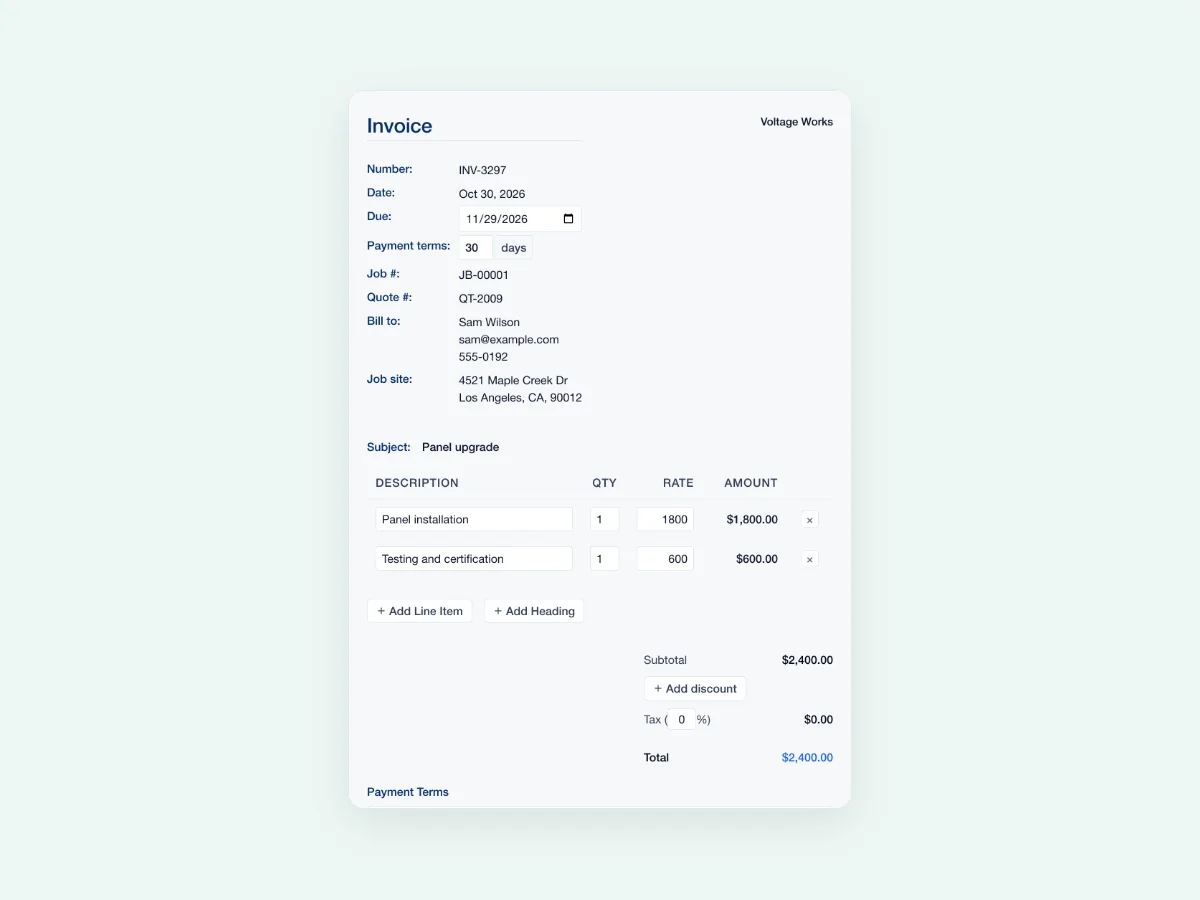
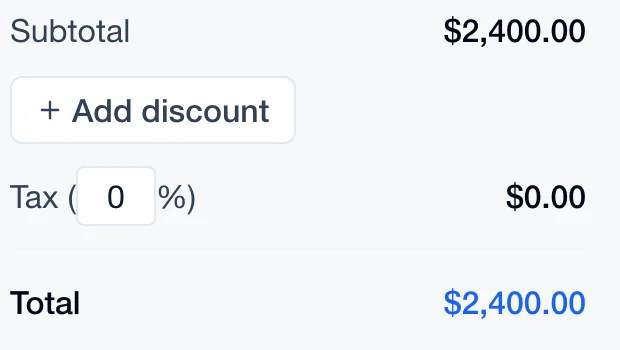
Build an itemized invoice with payment terms and a clear total.
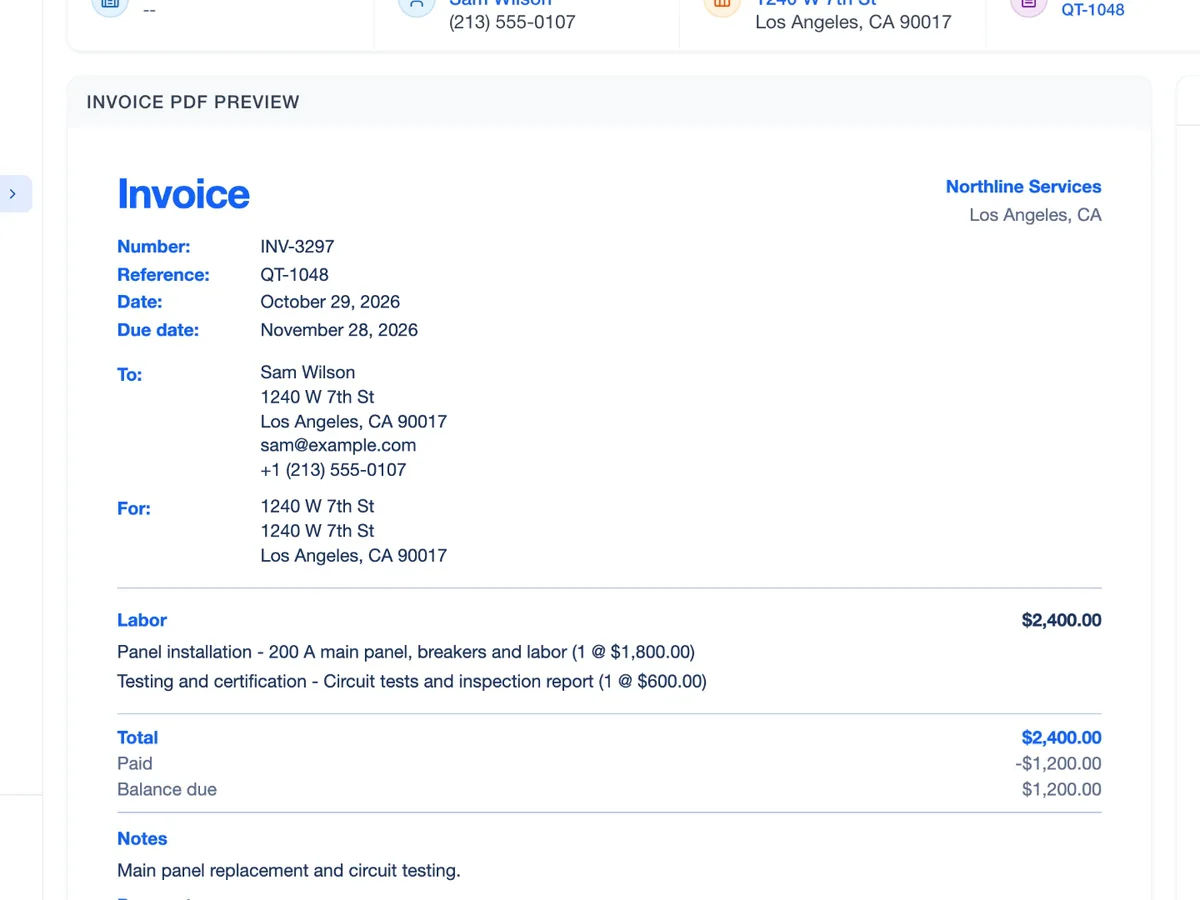
Log the amount and payment method against the invoice.
Review sent, paid and overdue invoices from the same list.
Record each payment against the invoice. In this walkthrough, a $1,200 payment leaves $1,200 on a $2,400 invoice.
An illustrative $2,400 invoice, paid in four $600 installments. Select a stage to follow the balance.
Review the customer, jobsite, line items and terms before sending. Keep the invoice tied to the job.
Keep the invoice and its payments together.
Bring in the work and price.
Share the invoice with the customer.
Add the payment details.
Check the remaining balance.

Give every completed job a clear invoice and payment record.
Line items, terms and customer details.
Collect through your connected payment setup.
Keep amounts and methods with the invoice.
Connect supported QuickBooks workflows.
Swipe or scroll to explore. When this row is focused, use the left and right arrow keys. Home and End move to the first and last items.

Keep the charges clear and the payment record with the work.

A payment can cover part of the invoice. Keep each amount recorded until the balance is settled.
Swipe or scroll to explore. When this row is focused, use the left and right arrow keys. Home and End move to the first and last items.
 Sales
Keep the quote and its terms with the work.
Explore Sales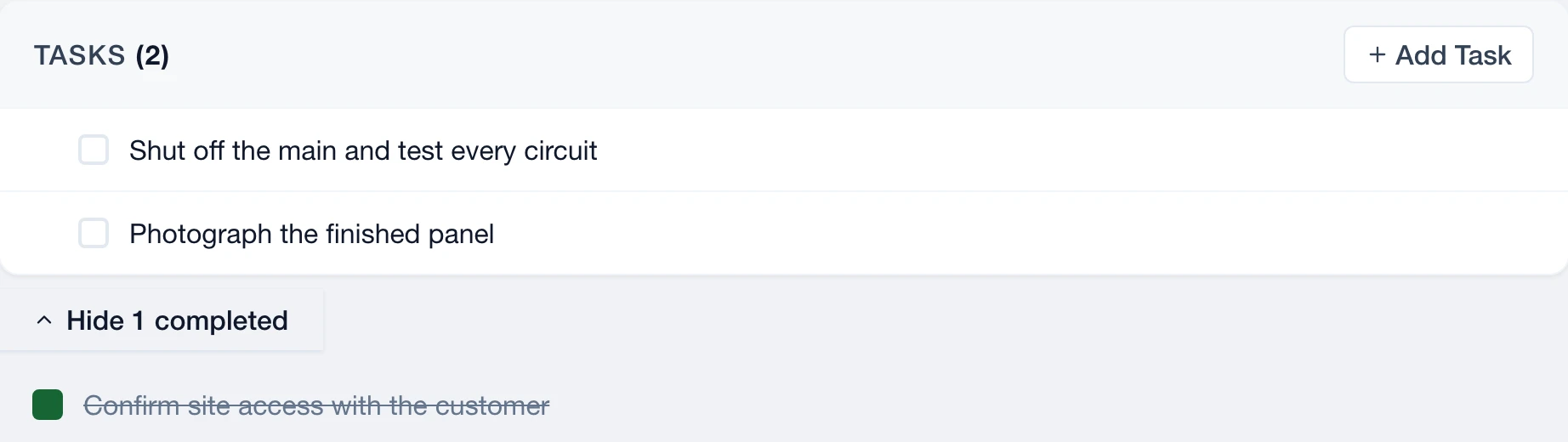
 Service
Carry the completed work into its invoice.
Explore Service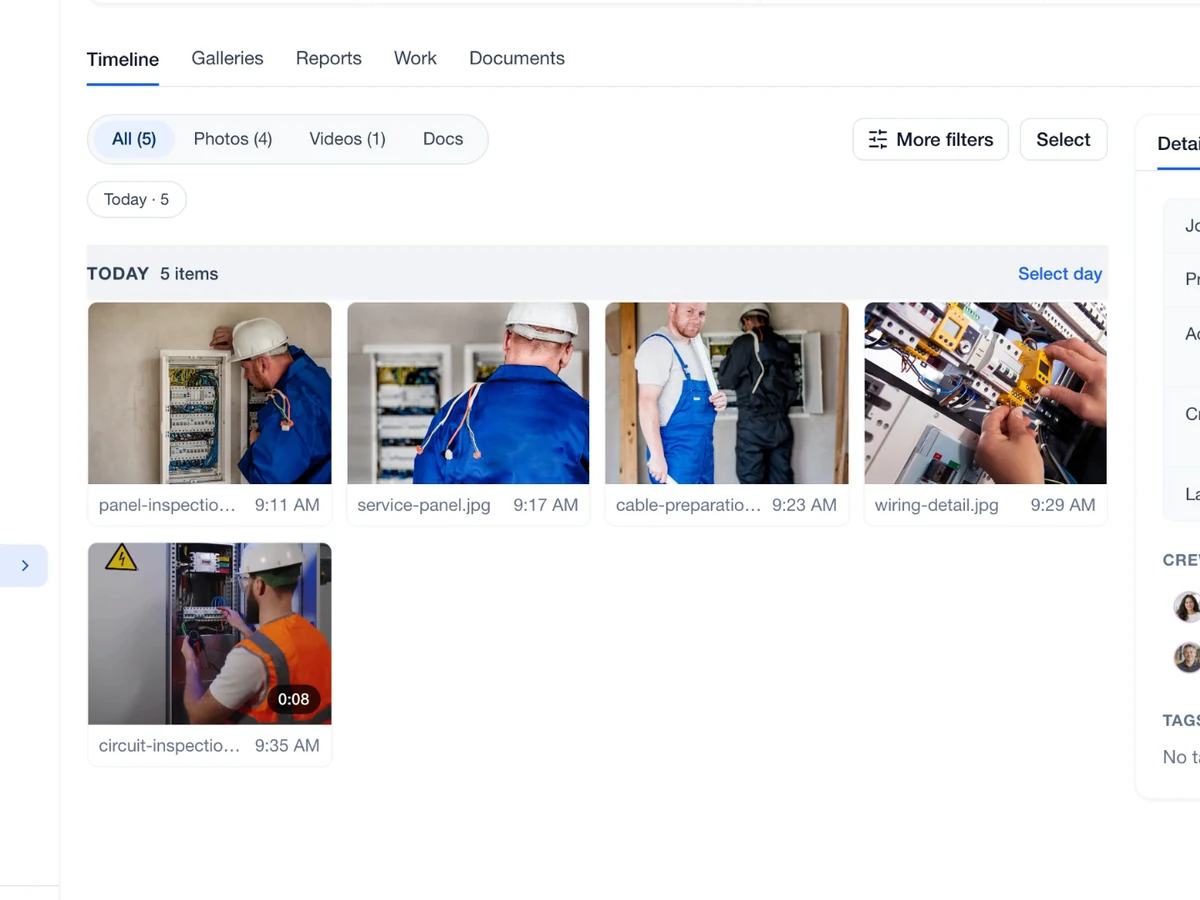
 Capture
Find photos and context for the completed project.
Explore Capture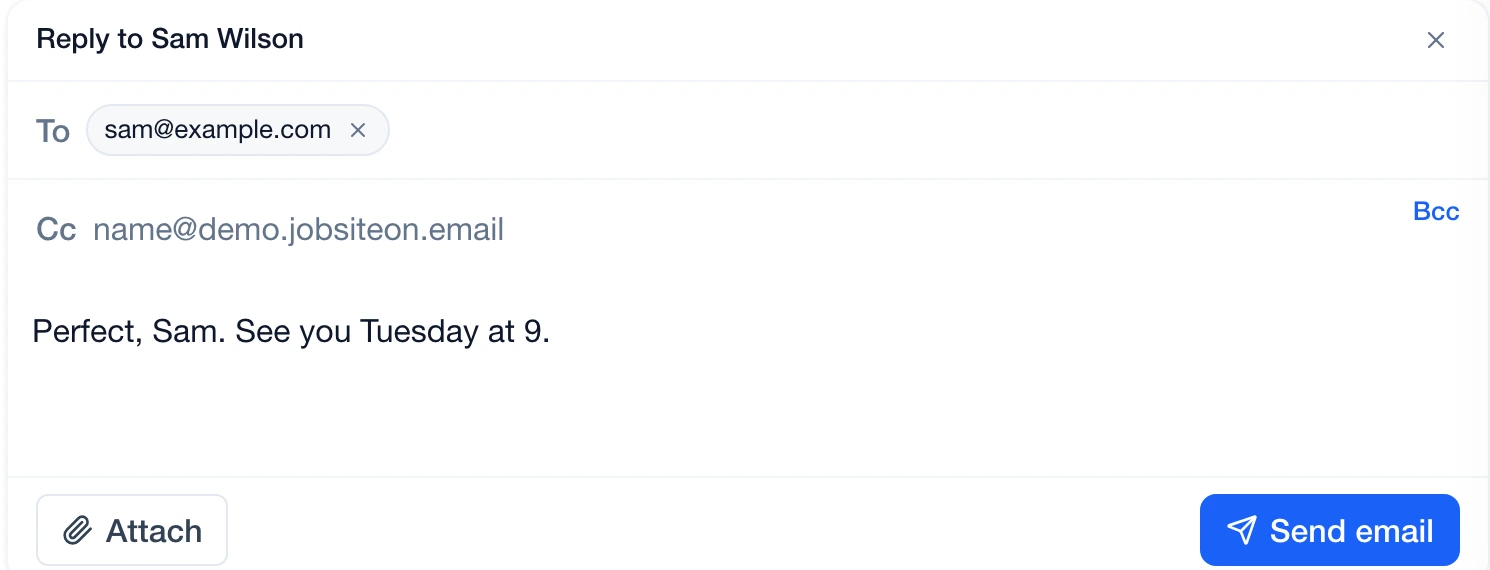
 Communications
Find the customer thread linked to the job.
Explore Communications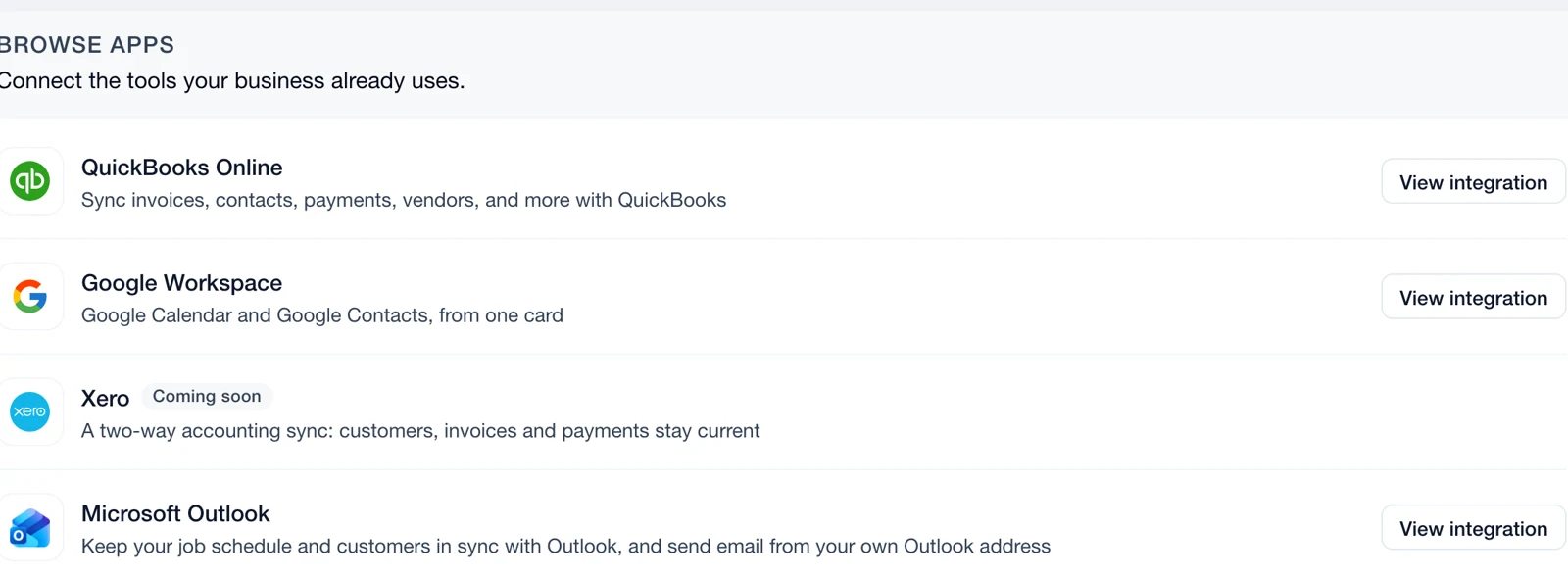
 Connect
 supported tools and choose what syncs.
Explore ConnectYes. Use Record Payment to enter the amount and payment method against the invoice.
Online collection depends on your connected payment setup and provider eligibility. Review Payment Processing settings before you send a payment link.
Yes. Connect QuickBooks Online and review its mapping and sync settings for your workspace.
Yes. Record the amount received against the invoice. The remaining balance stays visible until the full amount is paid.
Open the invoice to review its total and payment record. Check the balance before recording another payment or following up.