



Calendar views
Day, week and month planning.
Plan visits and appointments in day, week or month view.
Free for 14 days. No credit card required.
Move between a day, a week and a month without leaving your schedule.
See how the work is spread across the days ahead.
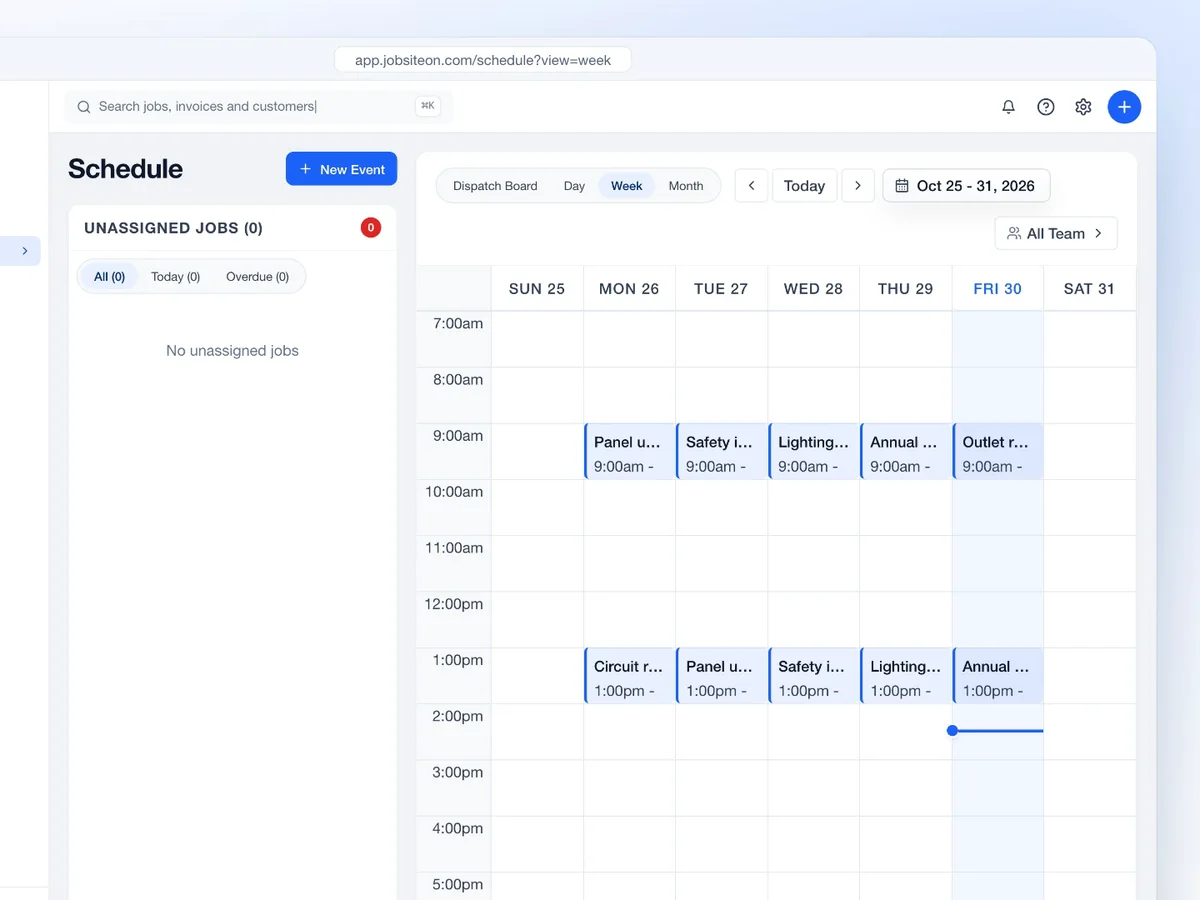
Focus on appointment times and the details of a single day.
Look ahead before you add the next visit.
Use the same calendar at three levels of detail, then switch to Dispatch when the question is who will do the work.
Open the schedule from the field. See the visits ahead without going back to the office.
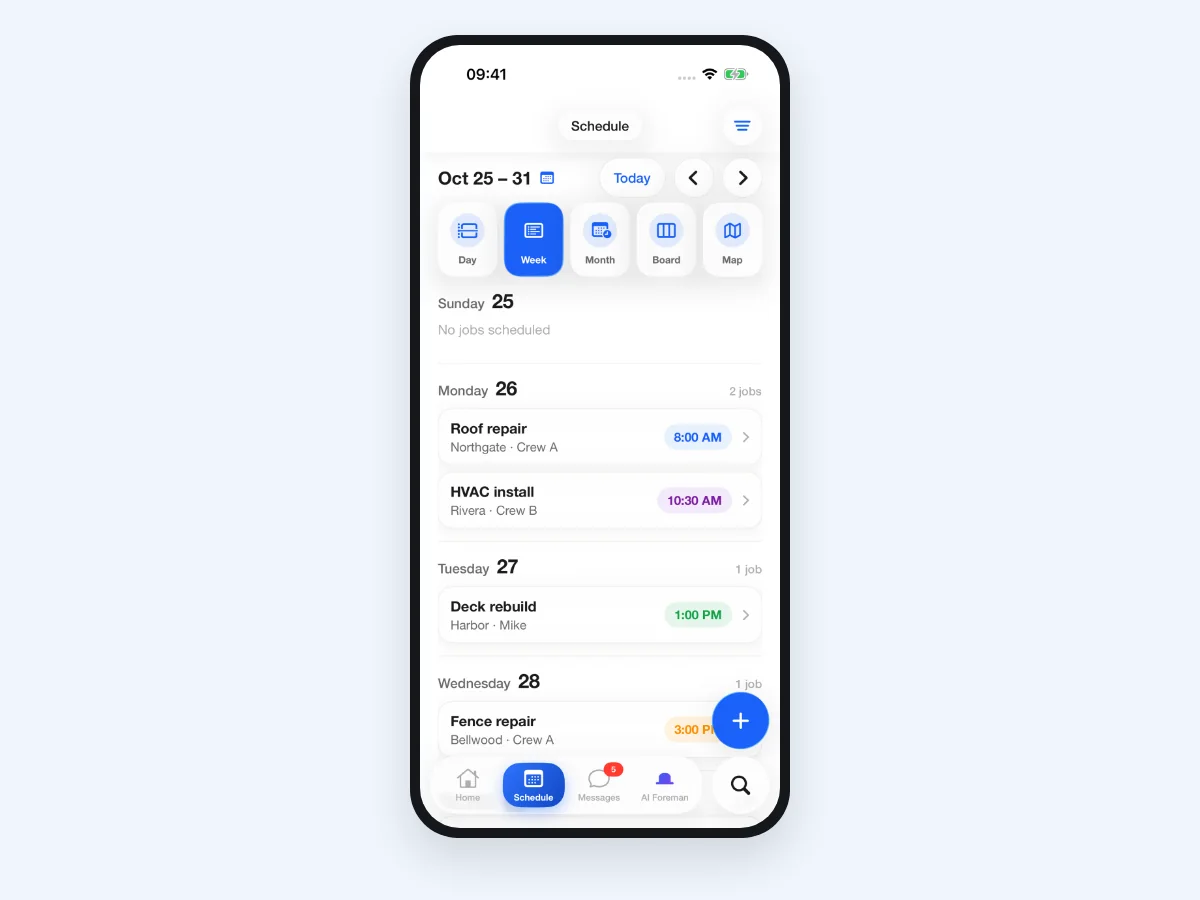
Keep the timing and the people together.
Day, week or month.
Set a time and the job.
Give the work a crew.

From the office to the next jobsite, know what's on the calendar.
Day, week and month planning.
Times, people, location and notes.
Focus on the people you need.
Connect supported calendars through the Marketplace.
Swipe or scroll to explore. When this row is focused, use the left and right arrow keys. Home and End move to the first and last items.

Review the calendar before adding the next appointment, then check the day in detail.

Keep each visit visible while the job moves from assessment to work on site.
Swipe or scroll to explore. When this row is focused, use the left and right arrow keys. Home and End move to the first and last items.
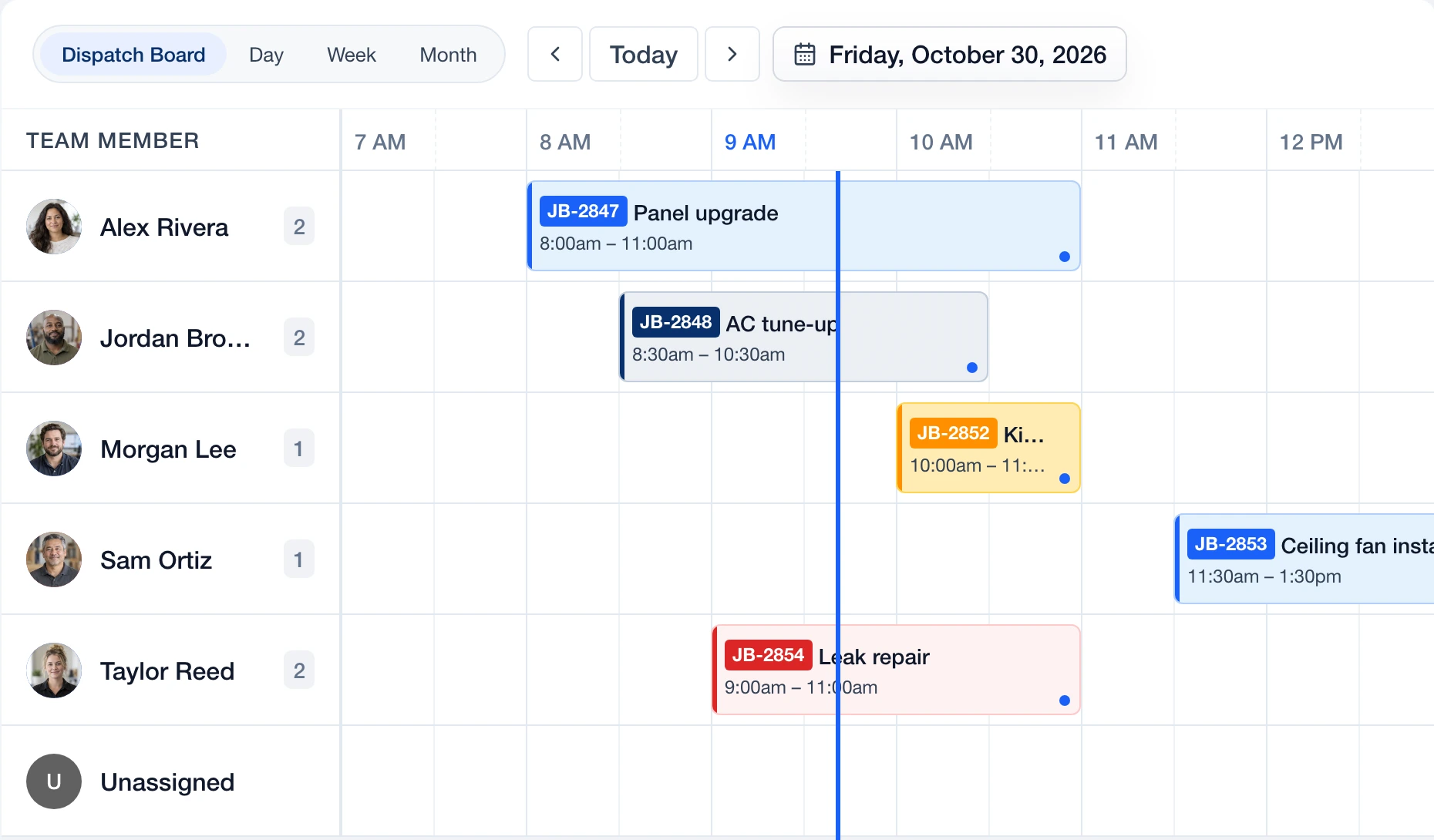
 Dispatch
Move from calendar timing to team assignments.
Explore Dispatch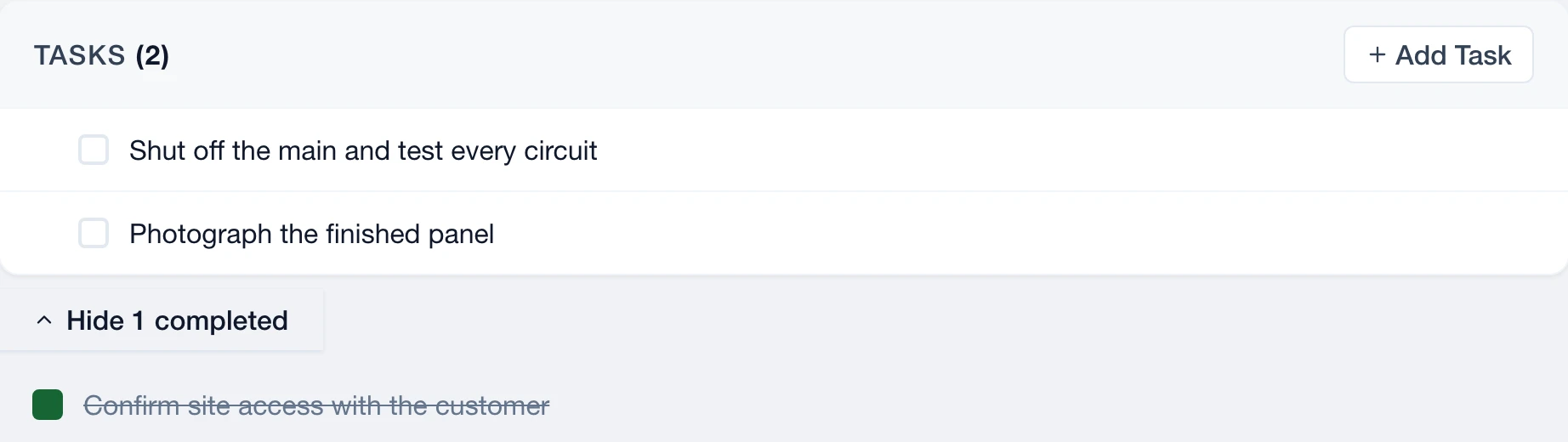
 Service
Keep the job's scope, crew and tasks close.
Explore Service
 Communications
Review conversations linked to the job.
Explore Communications
 Assets
See which assets belong on the job.
Explore Assets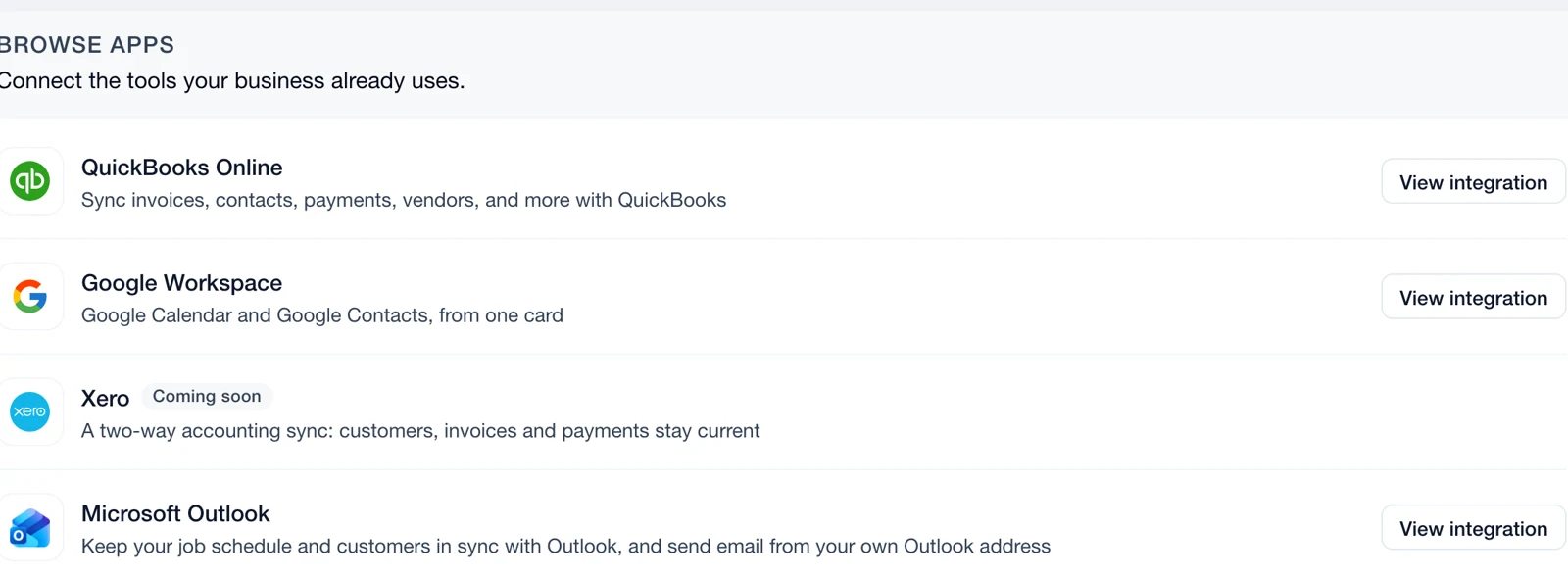
 Connect
Review calendar permissions and sync settings.
Explore ConnectSchedule gives you day, week and month calendar views. Dispatch focuses on the daily timeline for each team member.
Yes. JobsiteOn has a native iPhone schedule view as well as the web calendar.
No. The Google integration works with the JobsiteOn Jobs calendar it creates. Your other Google calendars are not read or changed.
Yes. Day, Week and Month give you different levels of detail while keeping the current date context.
Yes. Add a scheduled visit from the job details, then review it in the calendar with the rest of the team's work.