



Job records
Customer, property and scope together.
Keep the scope, crew, checklist and job history in one place.
Free for 14 days. No credit card required.
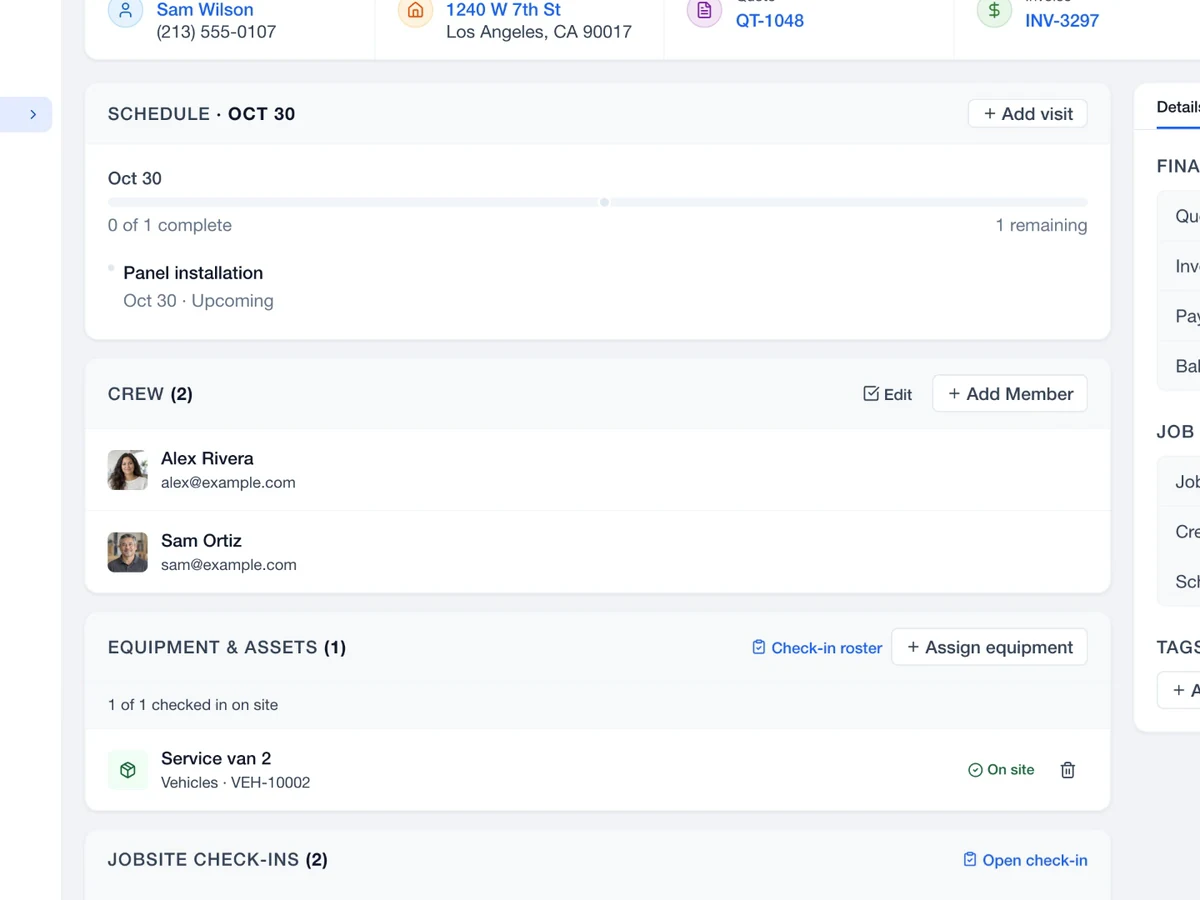
Keep the next visit, the assigned team and the work to be done on the job record.
See the jobsite, scheduled work and assigned crew before anyone arrives.
Give each task a home. See what is open and what is complete.
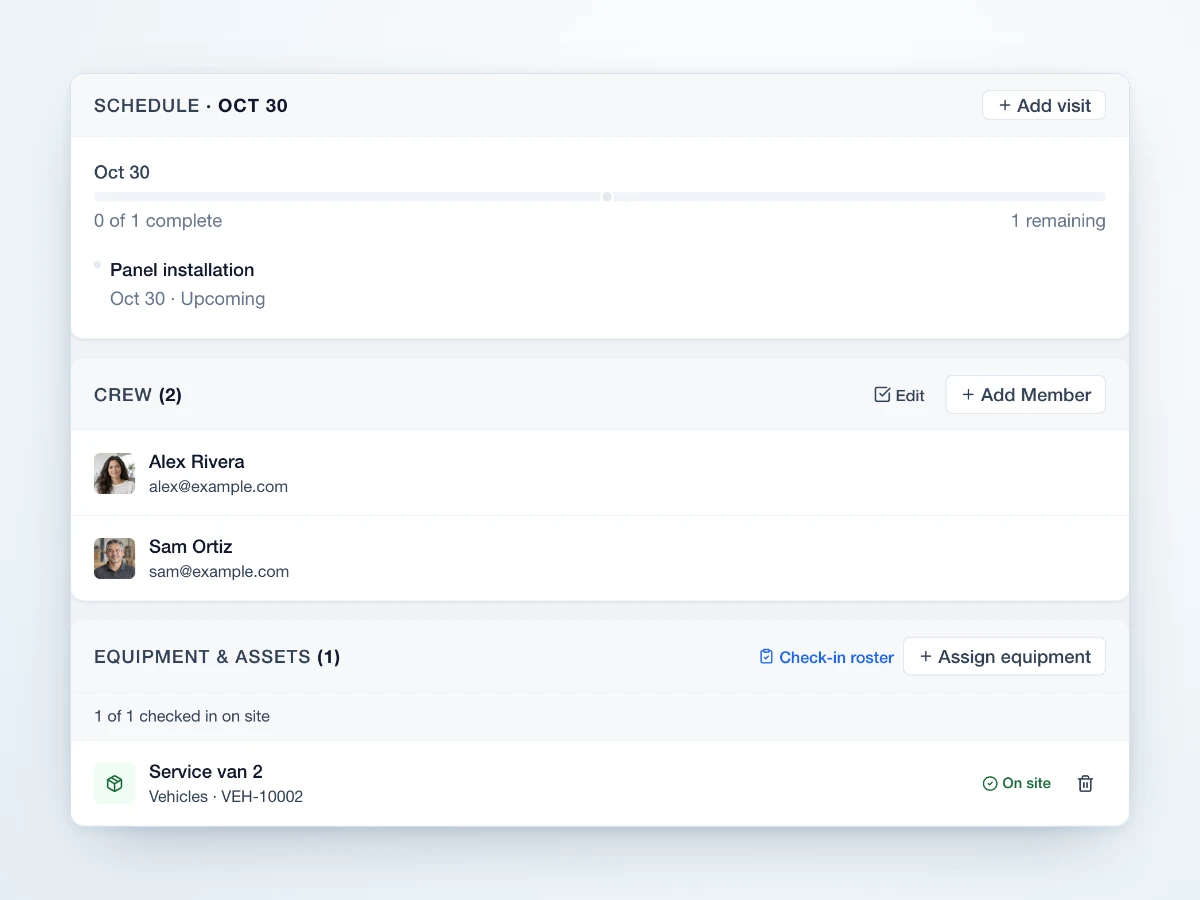
Keep crew assignments and equipment with the same record.
Keep finished tasks and remaining work together. This job walkthrough has one completed task and two still to do.
Open the details behind the work, from customer and property to visits and progress.
Keep the handoffs attached to the job.
Set the scope and visit.
Bring the crew together.
Check the work as it happens.
Create the invoice from the job.

Keep the plan, people and tasks together before work begins.
Customer, property and scope together.
A place for each task.
See who is due on site.
Keep a record of progress.
Swipe or scroll to explore. When this row is focused, use the left and right arrow keys. Home and End move to the first and last items.

Put the visit, people and checklist in the job before the work begins.

Keep the customer, property and work details together so a later visit starts with context.
Swipe or scroll to explore. When this row is focused, use the left and right arrow keys. Home and End move to the first and last items.
 Sales
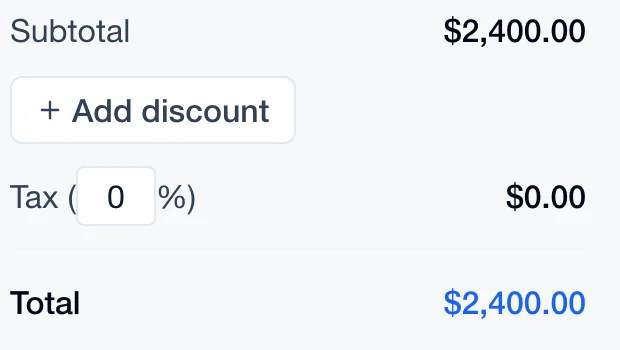
Review the quote behind the work.
Explore Sales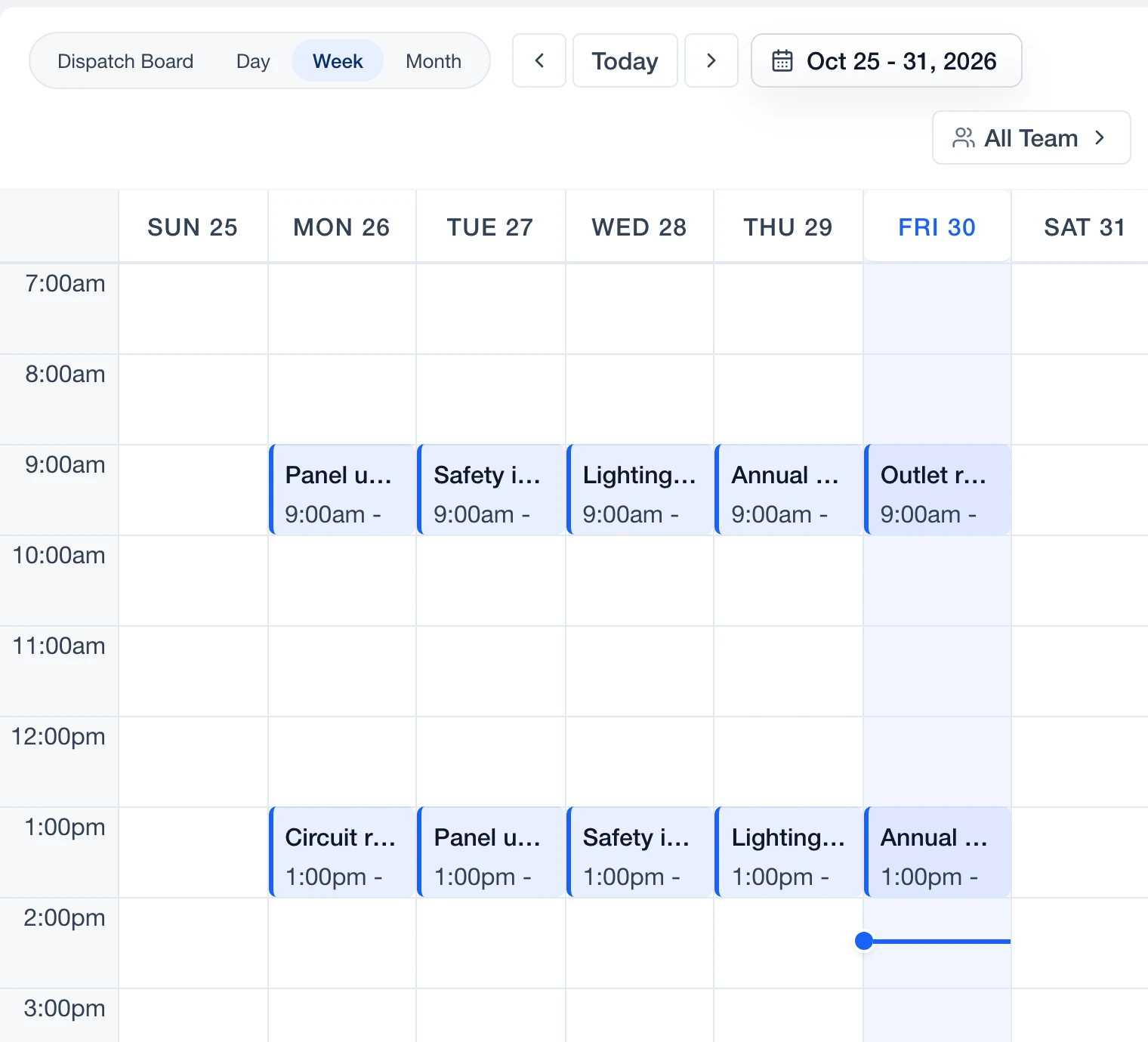
 Schedule
Put job visits into the team calendar.
Explore Schedule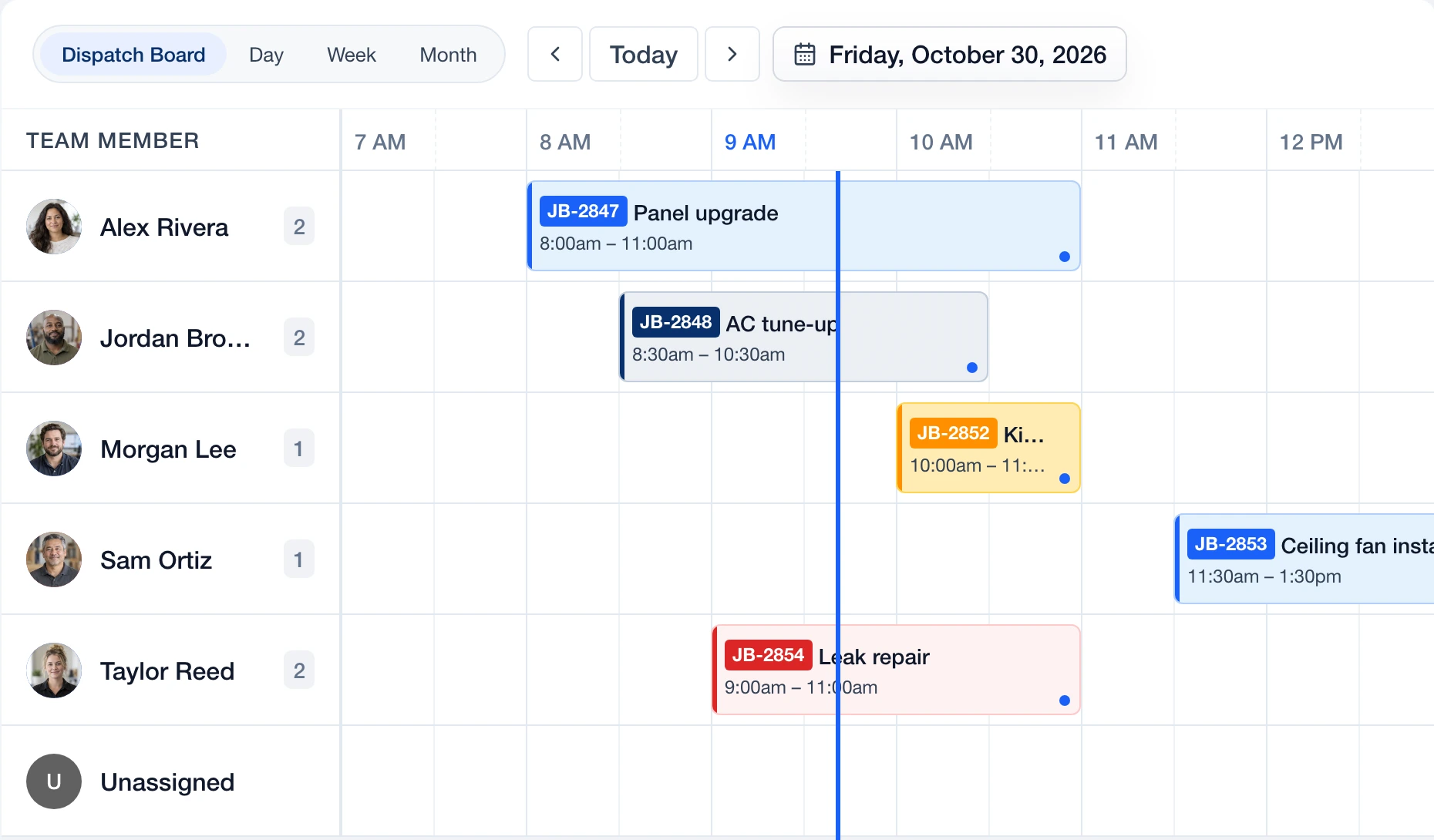
 Dispatch
Review assignments and timing on the board.
Explore Dispatch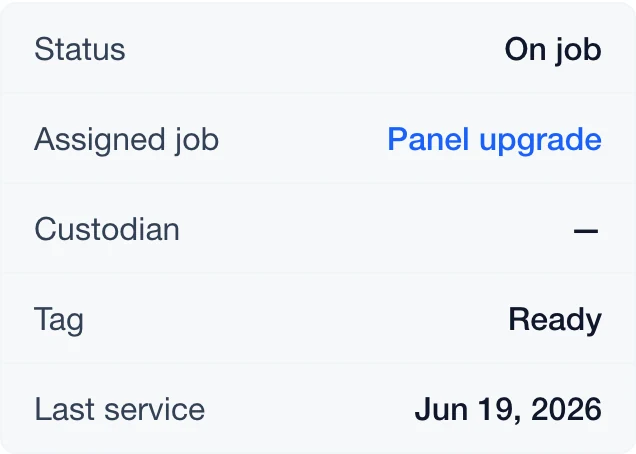
 Assets
Keep assigned assets with the job.
Explore Assets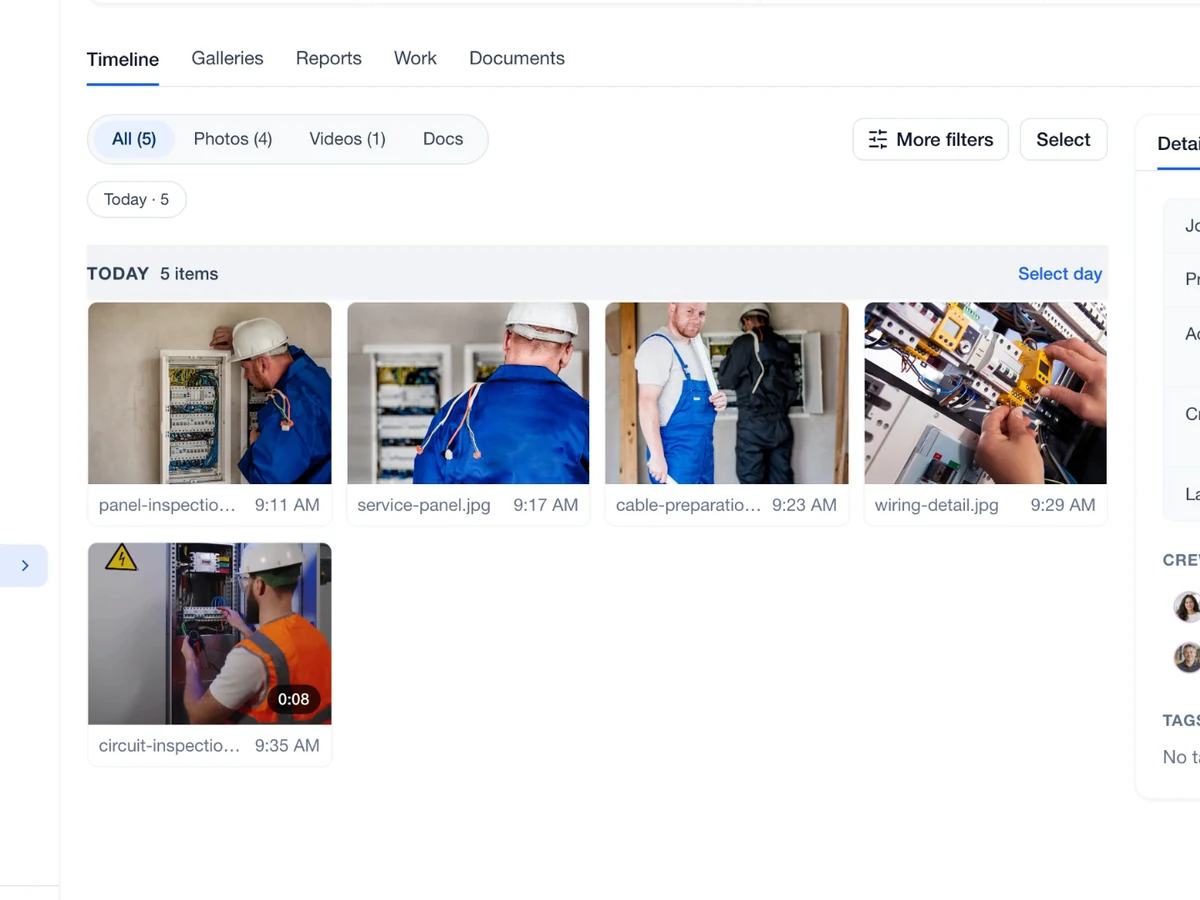
 Capture
Keep jobsite photos and their context.
Explore Capture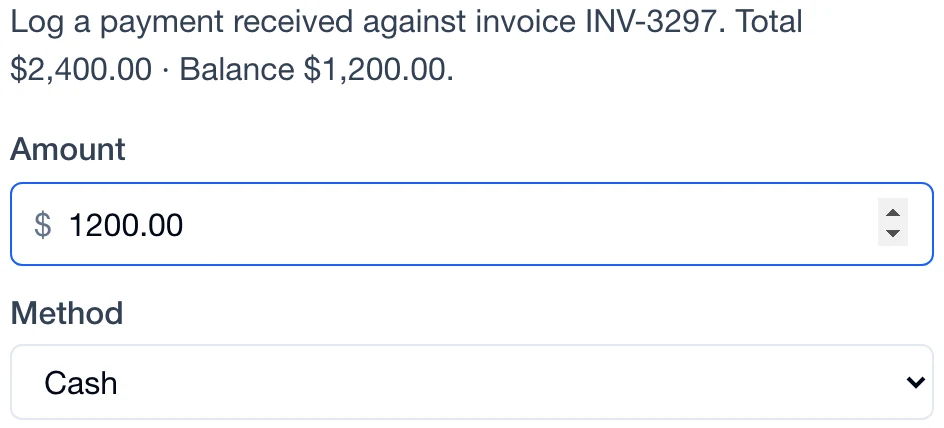
 Payments
Create the invoice from the job record.
Explore PaymentsYes. Add tasks to the job and track their completion with the rest of the work.
Yes. Link equipment to the job so the crew and asset records stay connected.
Yes. Create an invoice from the job, then review the line items and totals before sending.
Yes. Keep multiple scheduled visits under the same job so the crew can follow the work from start to finish.
The job links to its customer and property. Open the record to review those details alongside the scope, visits and activity.