


Backflow tests on repeat.
A service agreement books each yearly test as a job and drafts the invoice.
See auto-scheduling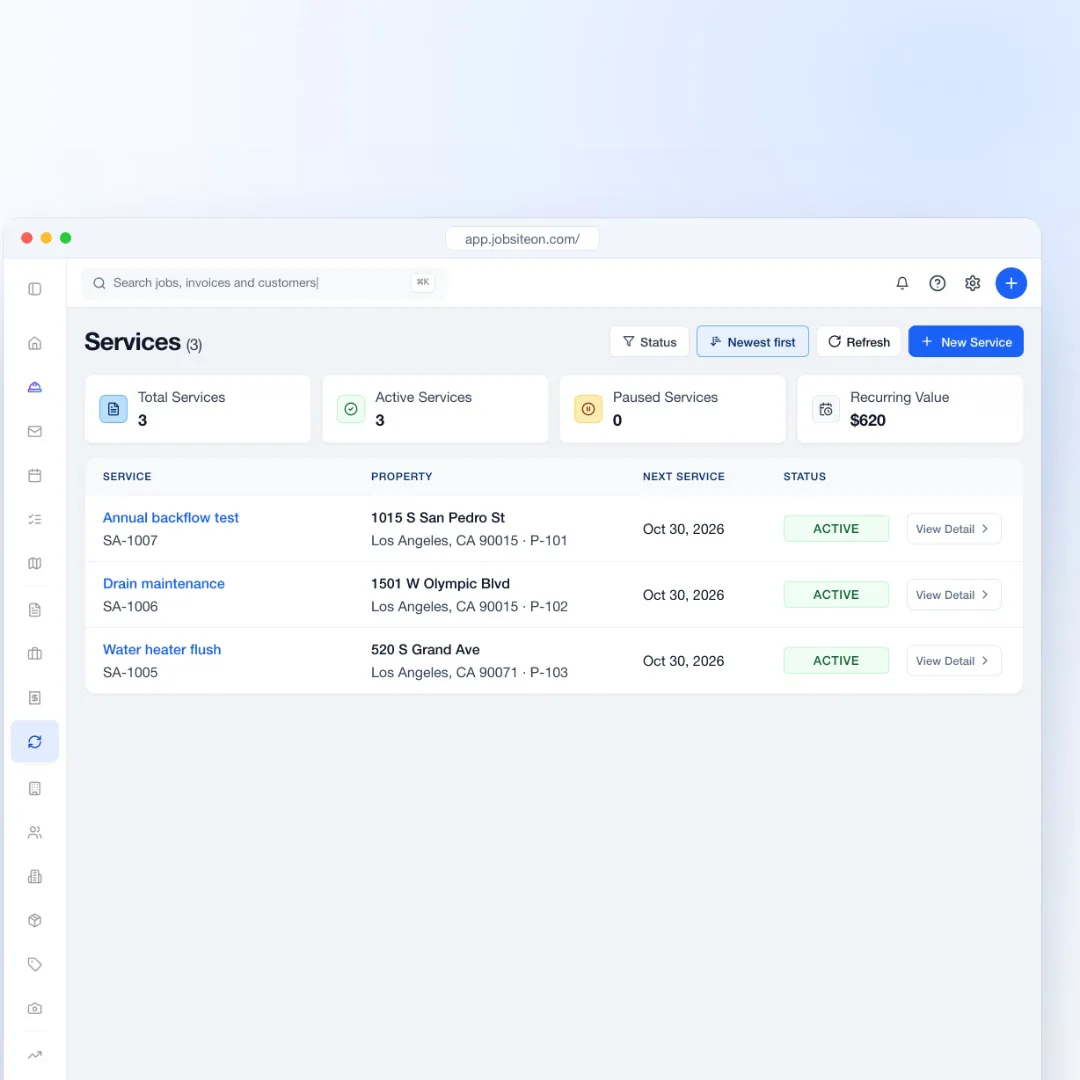
JobsiteOn for plumbing
Dispatch repairs, quote replacements and invoice from the job.
Free for 14 days. No credit card required.
See how it works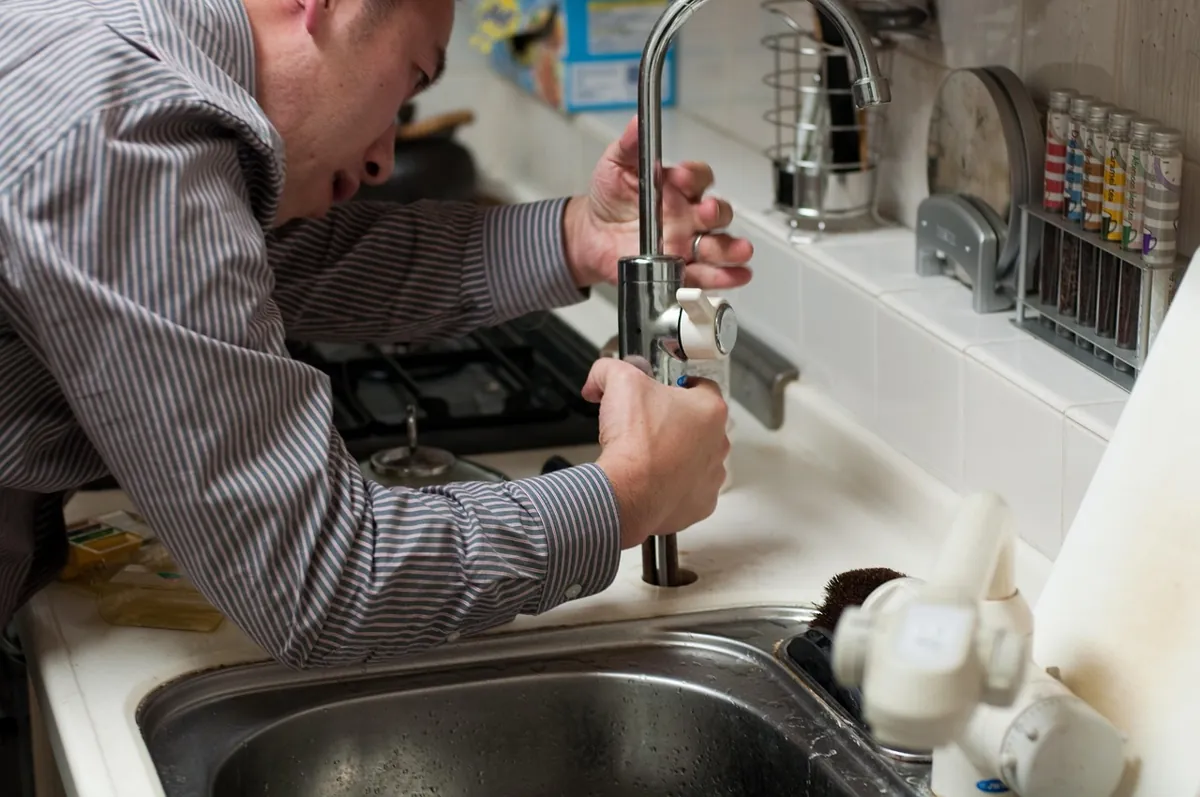
Under the sink and on the road
Your crew can open jobs, check the schedule and add photos on Android or iPhone.
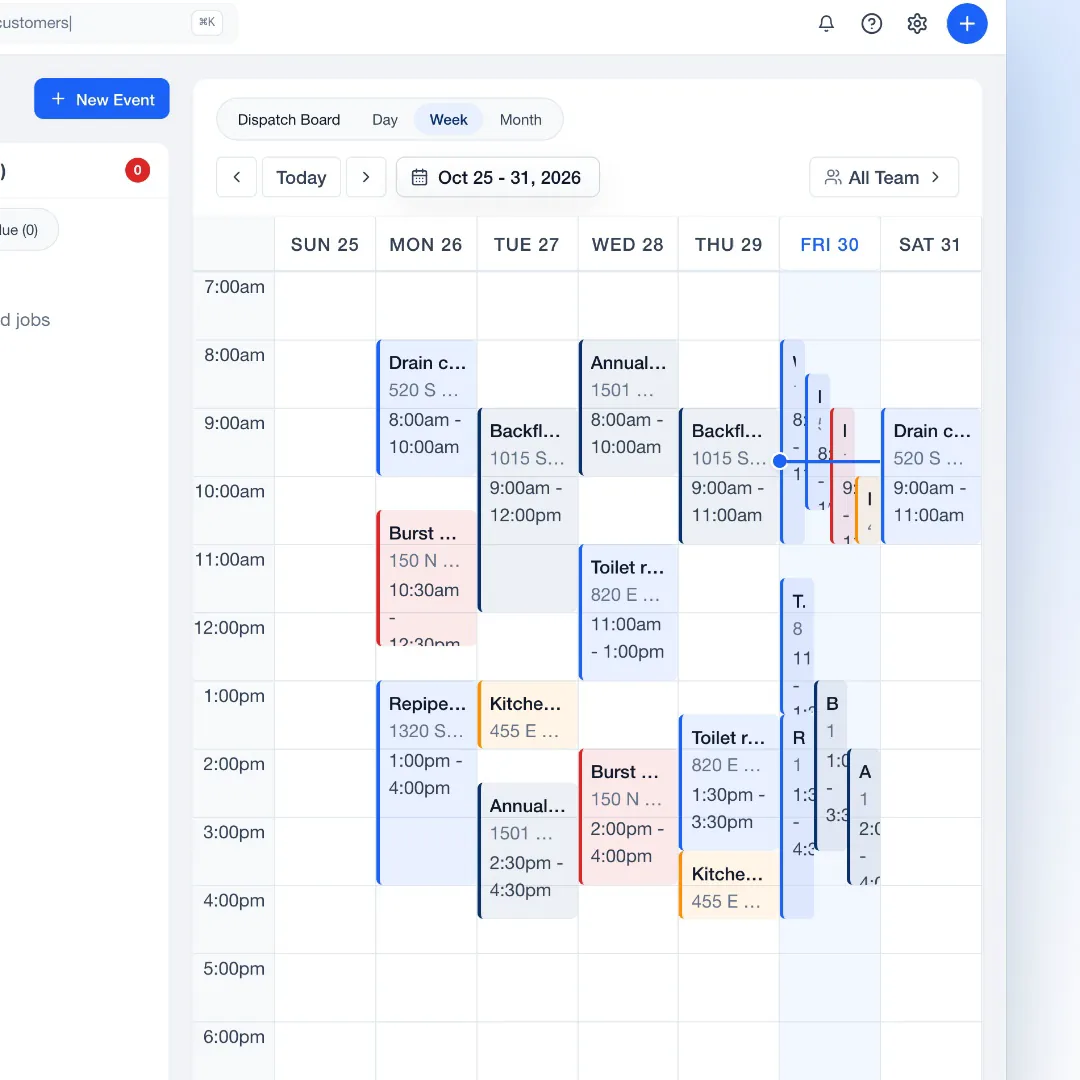
Emergency is its own event type, shown in red on the schedule.
Show the customer what you found and what you fixed.
Customers pay by card from the invoice link once payments are connected.
Plumbers clock in and out against the job.
Built around plumbing work
Whoever answers the phone and whoever turns the wrench see the same details.
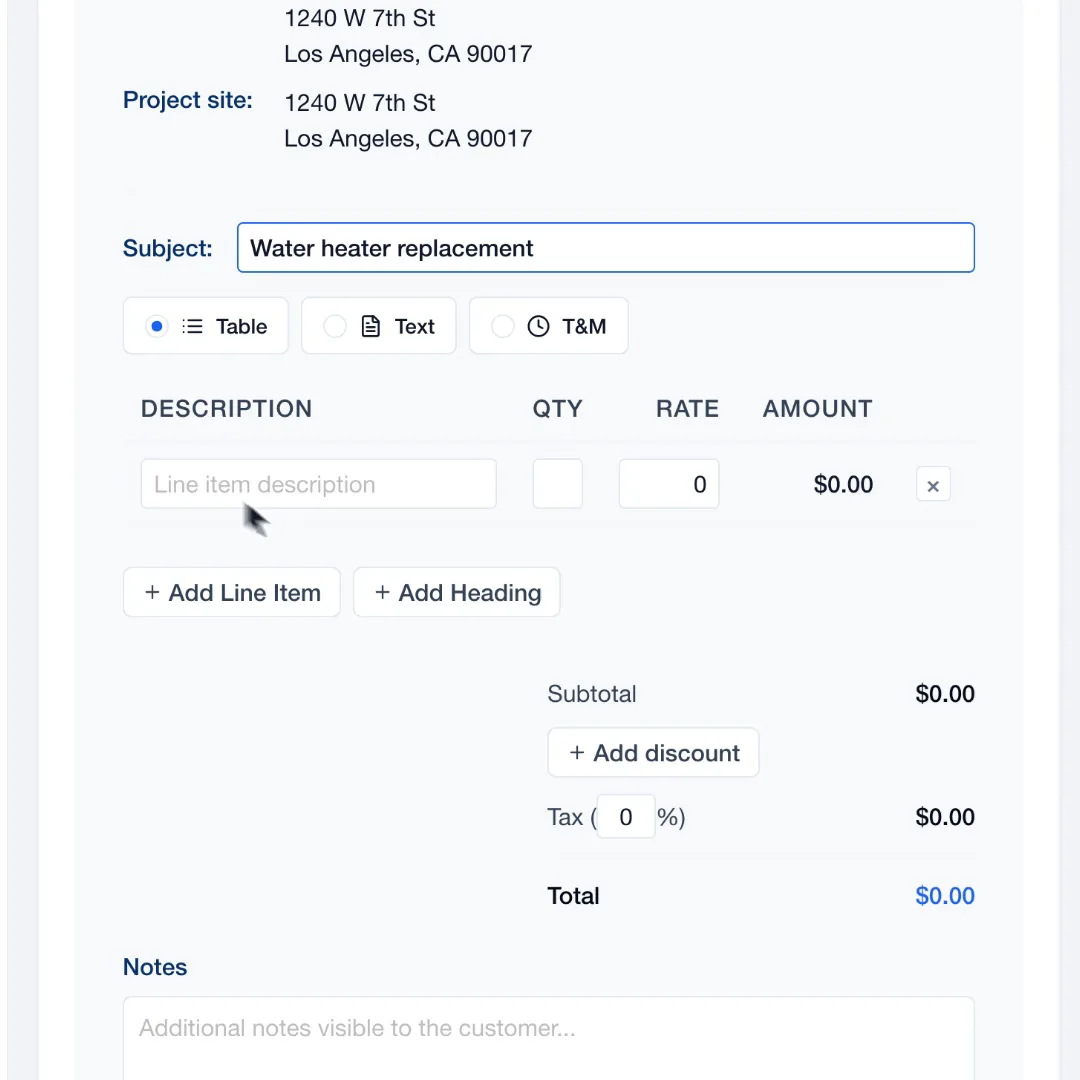
Add the unit and the install as line items, and send the quote while you are still on site.
Explore SalesAdd the visit where a plumber has room and mark it as an emergency so it stands out.
Explore DispatchEach step is a task on the job, checked off in the field.
The customer signs the quote on their phone, and the job is ready to schedule.
Repeat work
The routine work and the money, without a spreadsheet.
A service agreement books each yearly test as a job and drafts the invoice.
See auto-schedulingPaid, sent and overdue invoices in one list, with reminders on a schedule.
Explore Payments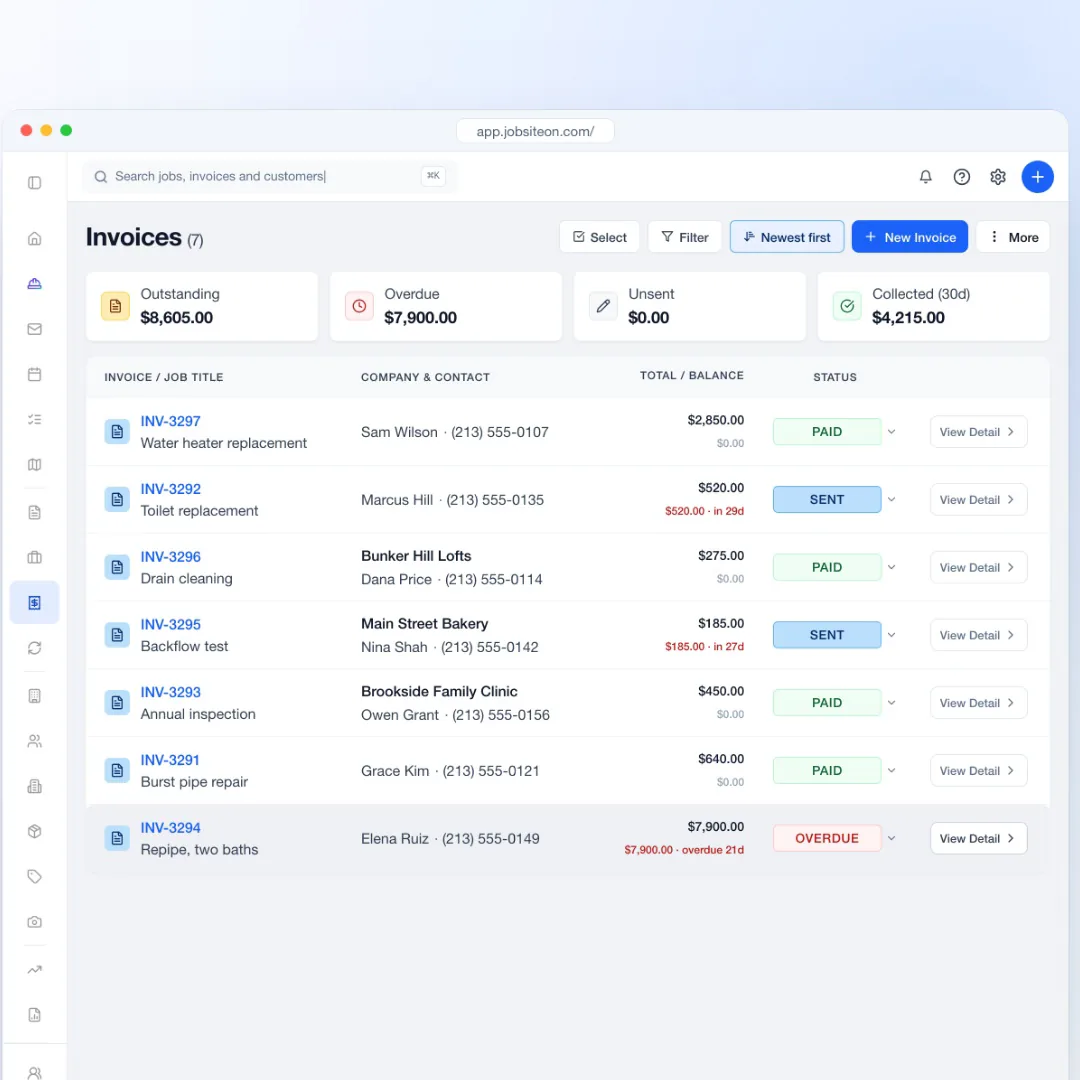
14 days free, with no credit card.
Bring customers and properties from a spreadsheet or your old software.
Put today's visits on the board and send the crew.
Yes. Emergency is an event type, and those visits show in red on the calendar and the dispatch board.
Yes. A service agreement books recurring visits as jobs, from weekly to yearly, and drafts the invoices for review.
Yes. Send the quote link and the customer approves with a typed name and a drawn signature on their own phone.
The customer pays by card from the invoice link on their own phone. The app does not take cards in person.
Yes, QuickBooks Online. Invoices go to QuickBooks, and customers and payments sync both ways.
Try JobsiteOn free for 14 days.