


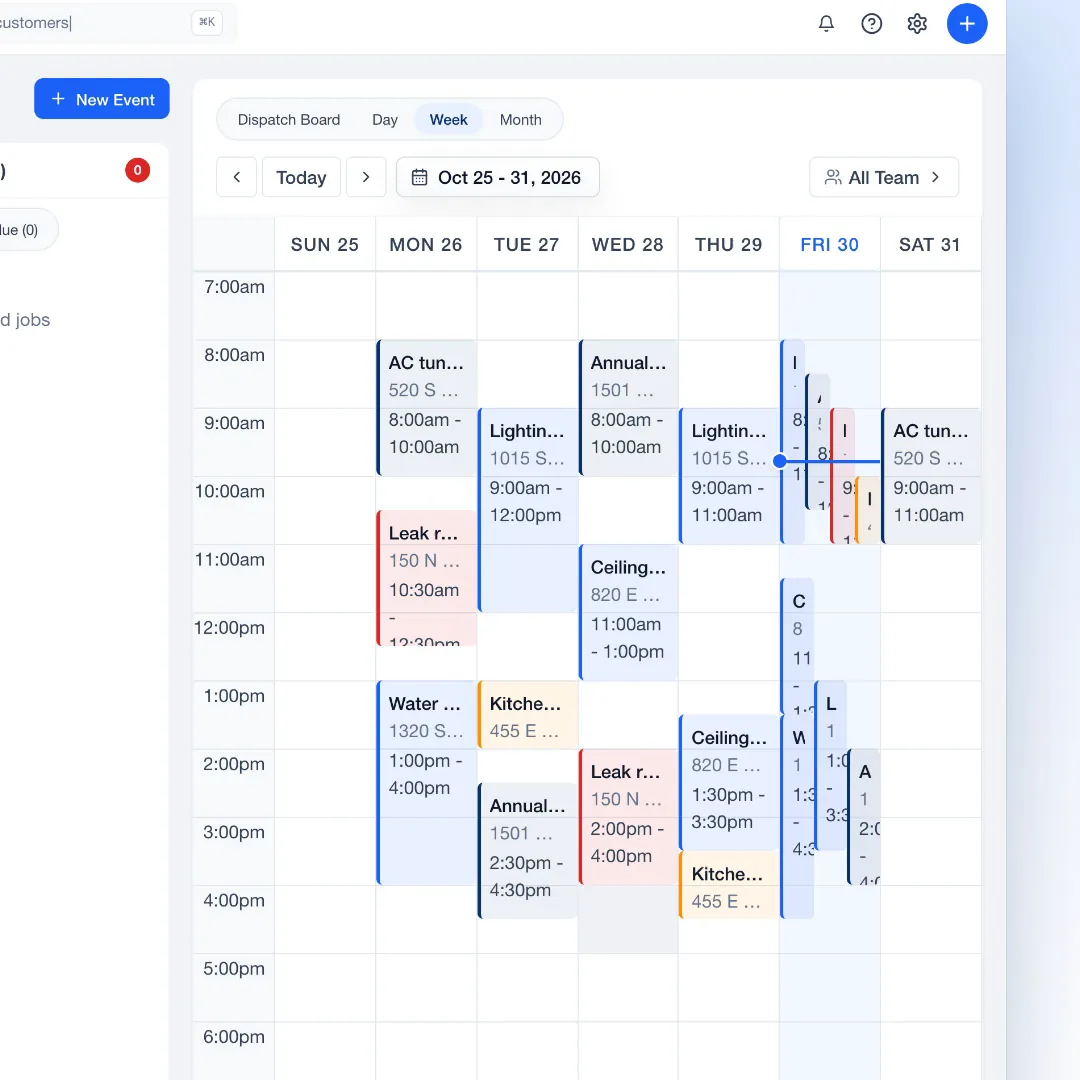
Every visit on the calendar.
A job can have more than one visit, each with its own crew, on the same schedule as the rest of your work.
Manage jobs end to end
Keep visits, crew, tasks, photos and invoices together.
Free for 14 days. No credit card required.
See how it works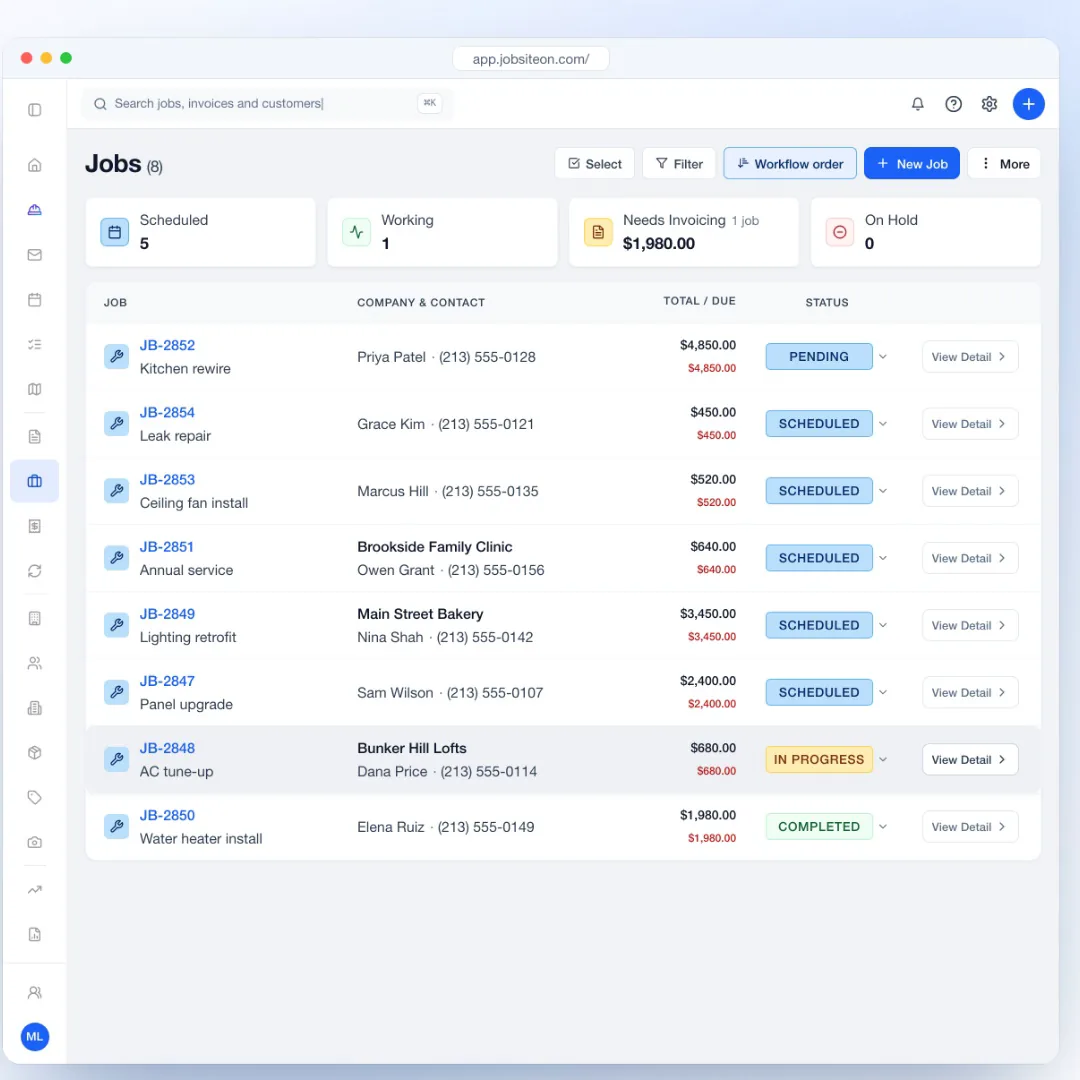
14 days free, with no credit card.
Import customers and properties from a spreadsheet, or add them as you go.
Add the scope, schedule the visit and assign the crew.
On every job
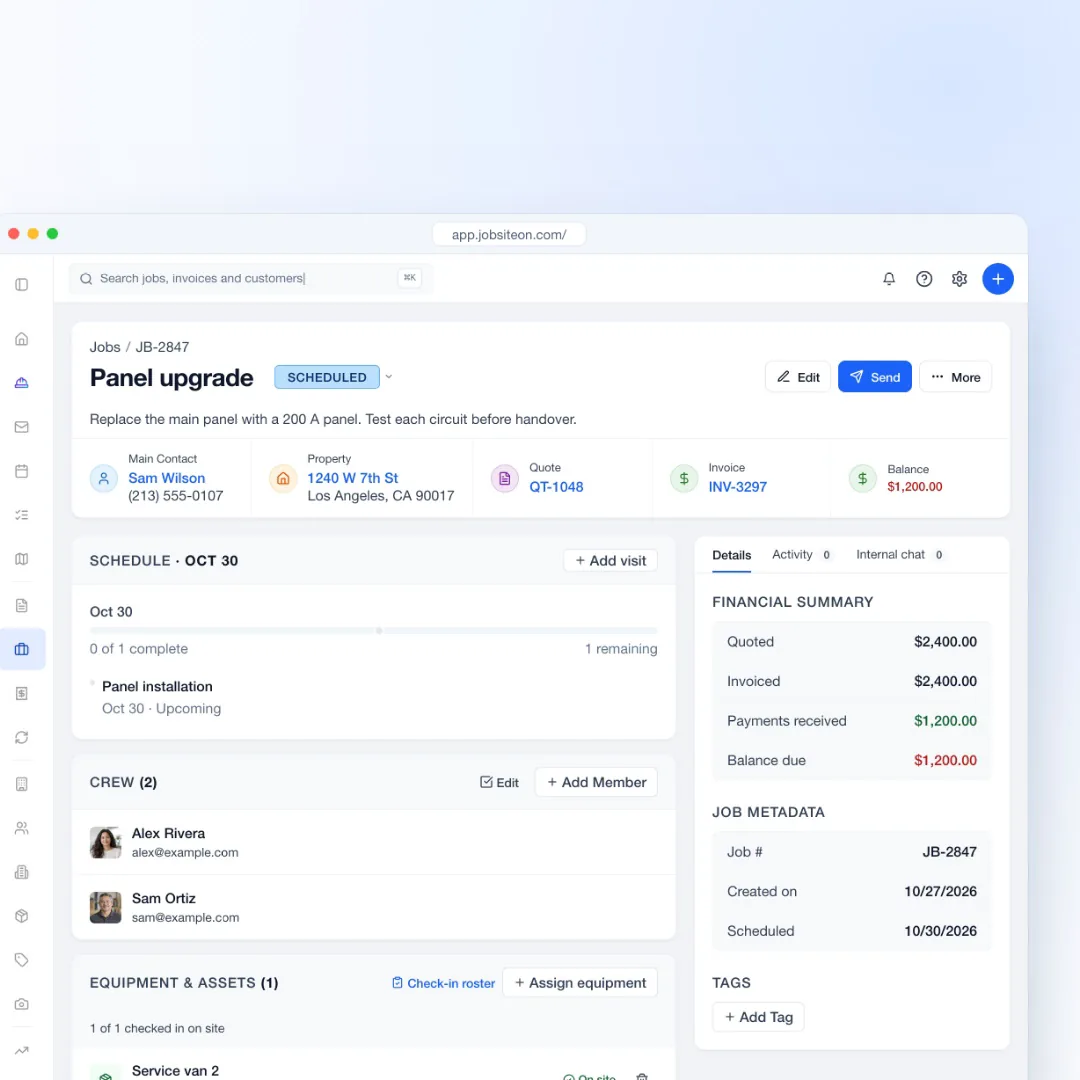
Open a job and see the customer, the property, the visit and who is going.
Customer, property, quote, invoice and balance sit across the top of every job.
Explore ServiceAdd tasks to the job and see what is still open and what is done.
Assign the crew, add equipment, and watch check-ins come in as people arrive.
Capture keeps jobsite photos in a dated timeline you can mark up and share. Team plan and up.
Explore Capture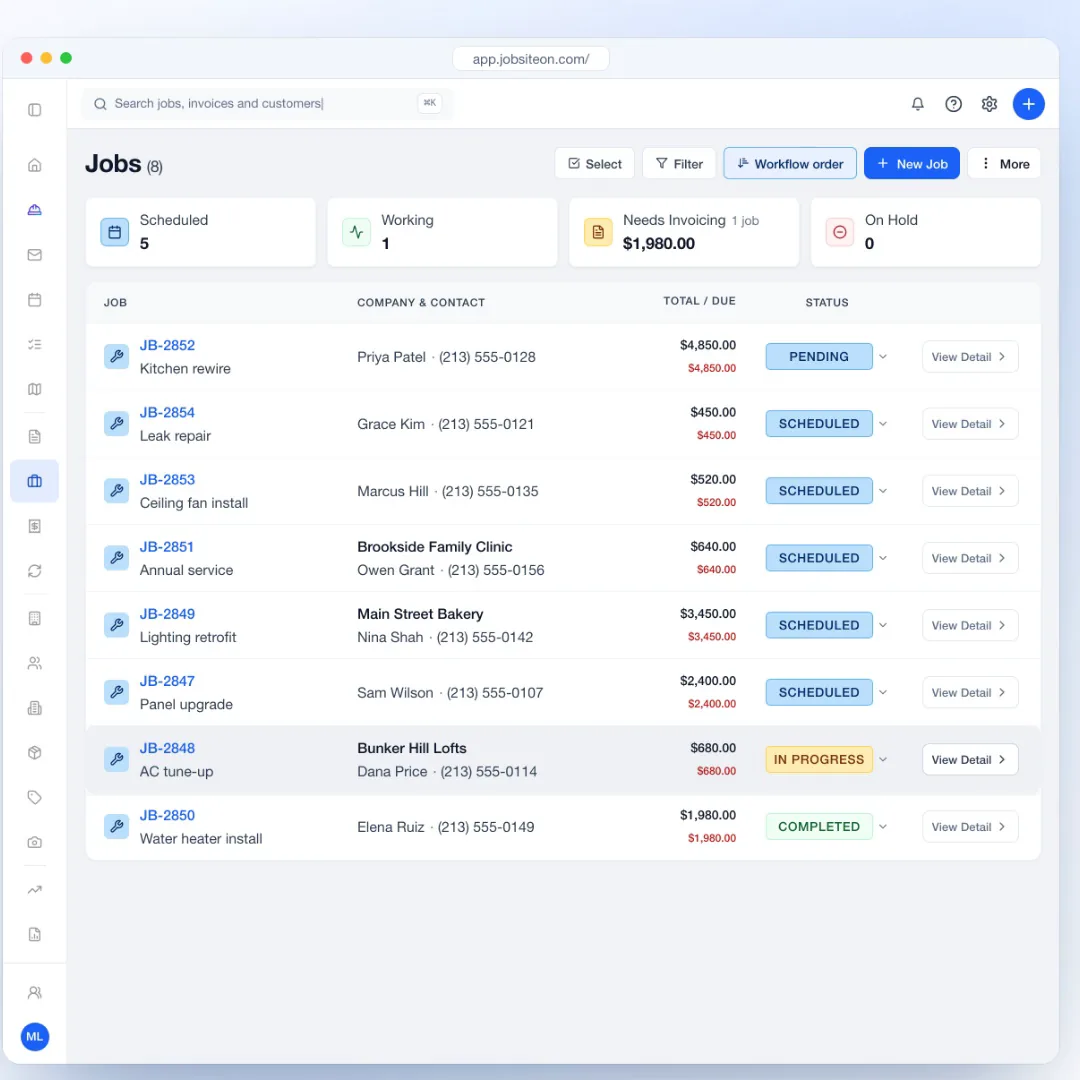
Around the job
Visits come from the job, and the invoice comes from the work.
A job can have more than one visit, each with its own crew, on the same schedule as the rest of your work.
The financial summary shows what was quoted, invoiced and paid, and what is still due.

In the field
Technicians open their assigned jobs and schedule in the iPhone app.
Update the status, add notes and tasks, and check in from the app.
Crew members clock in and out against the job, and check-ins show who is on site.
Technicians see their assigned jobs and schedule. Owners and admins see everything.
Link tools and vehicles to the job and check them in on site. Team plan and up.
Yes. Add visits to the job, each with its own time and people, and see them all on the schedule.
Yes. Add tasks and check them off as the work gets done. Completed tasks move under their own heading.
Yes. The Technician role sees assigned jobs and the schedule. Insights and reports stay hidden from technicians.
Yes. Create the invoice from the job, check the line items and send it.
With Capture (Team plan and up), photos live in a project timeline you can link to the job and share with the customer.
Also see by team size and by trade.
Try JobsiteOn free for 14 days.