


Gmail and Outlook
Use the mailbox your customers know.
Keep customer email, team conversations and job details together.
Free for 14 days. No credit card required.
See what the customer said, who is handling it and what happens next.
Read customer threads, check status and keep unread messages in view.
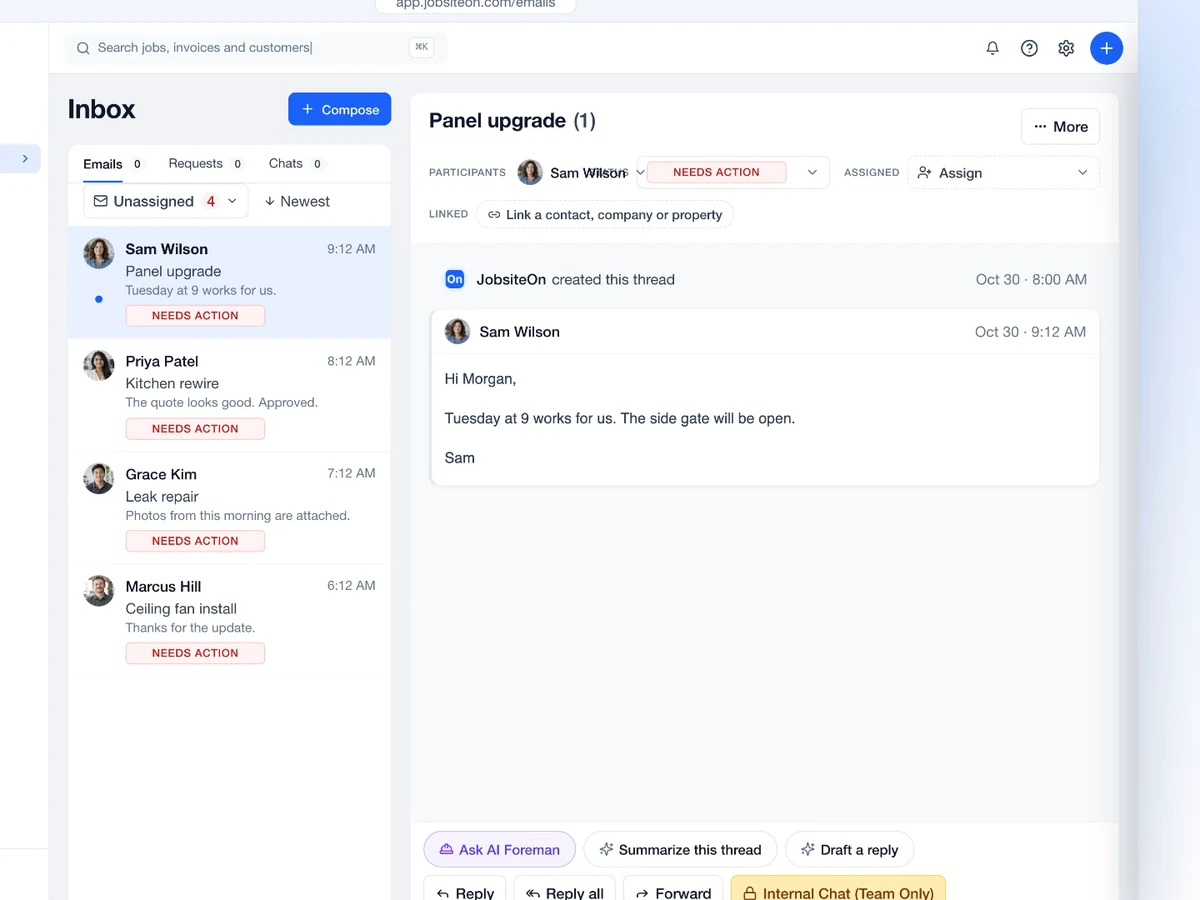
Open the conversation and respond from the same workspace.
Link the thread to a customer, property, quote, job or invoice.
Connect supported Gmail and Outlook accounts. Keep the reply, assignment and linked job in reach.
Connect Gmail or Outlook. Keep customer email in the same place as the rest of your work.
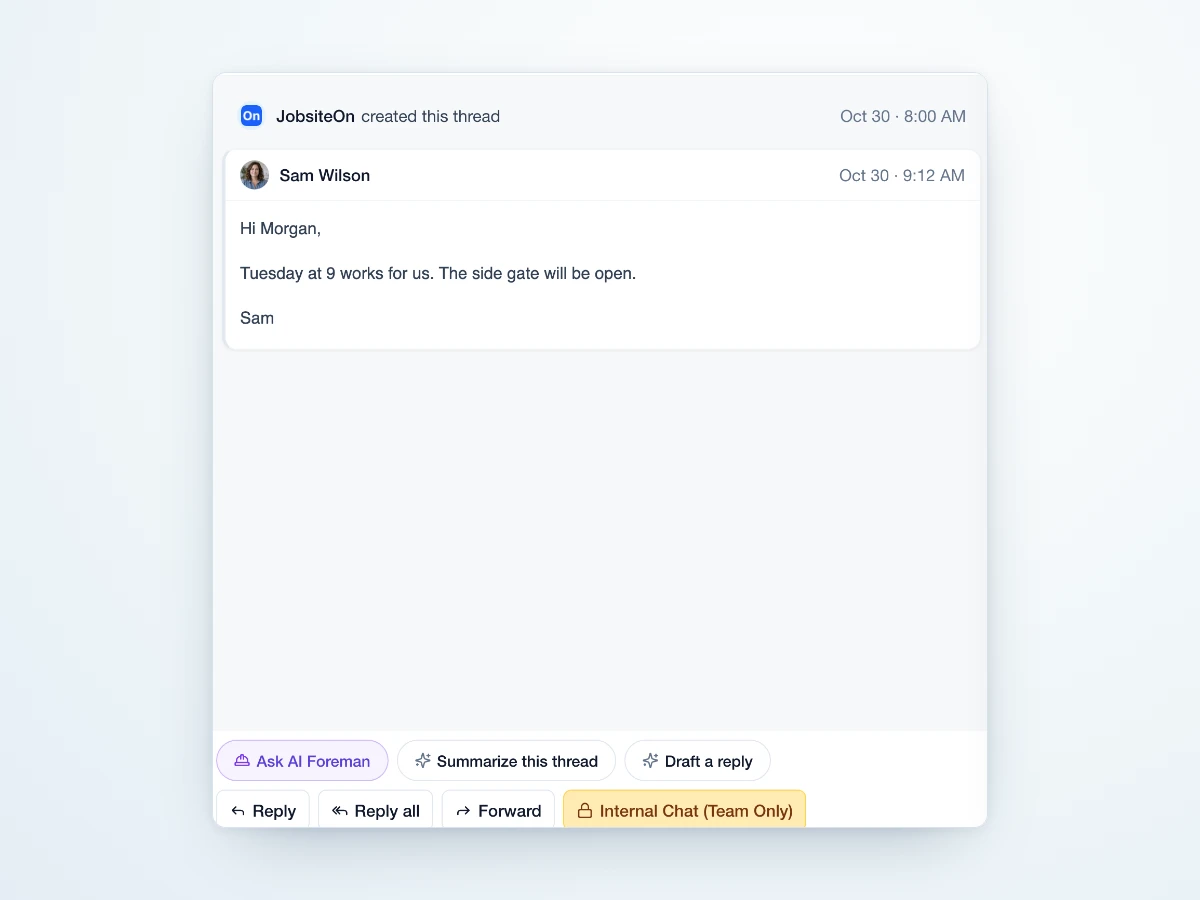
Make ownership clear at every step.
Open the customer thread.
Choose who will handle it.
Respond with the context.

Give the next person the context to pick up the conversation.
Use the mailbox your customers know.
Keep the customer and job within reach.
Discuss the work with your crew.
See which conversations need a response.
Swipe or scroll to explore. When this row is focused, use the left and right arrow keys. Home and End move to the first and last items.

Give the person handling the next message the customer thread and its linked work.

A customer's message can hold the details that matter when the technician arrives.
Swipe or scroll to explore. When this row is focused, use the left and right arrow keys. Home and End move to the first and last items.
 Sales
Give the customer a scope and a price to review.
Explore Sales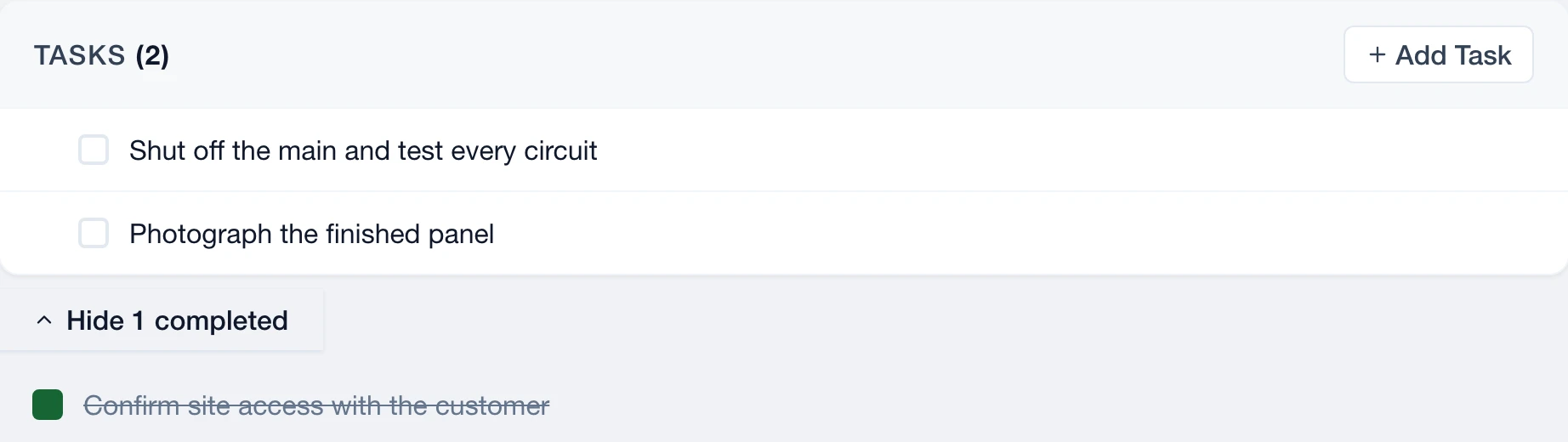
 Service
Bring the customer and property details together.
Explore Service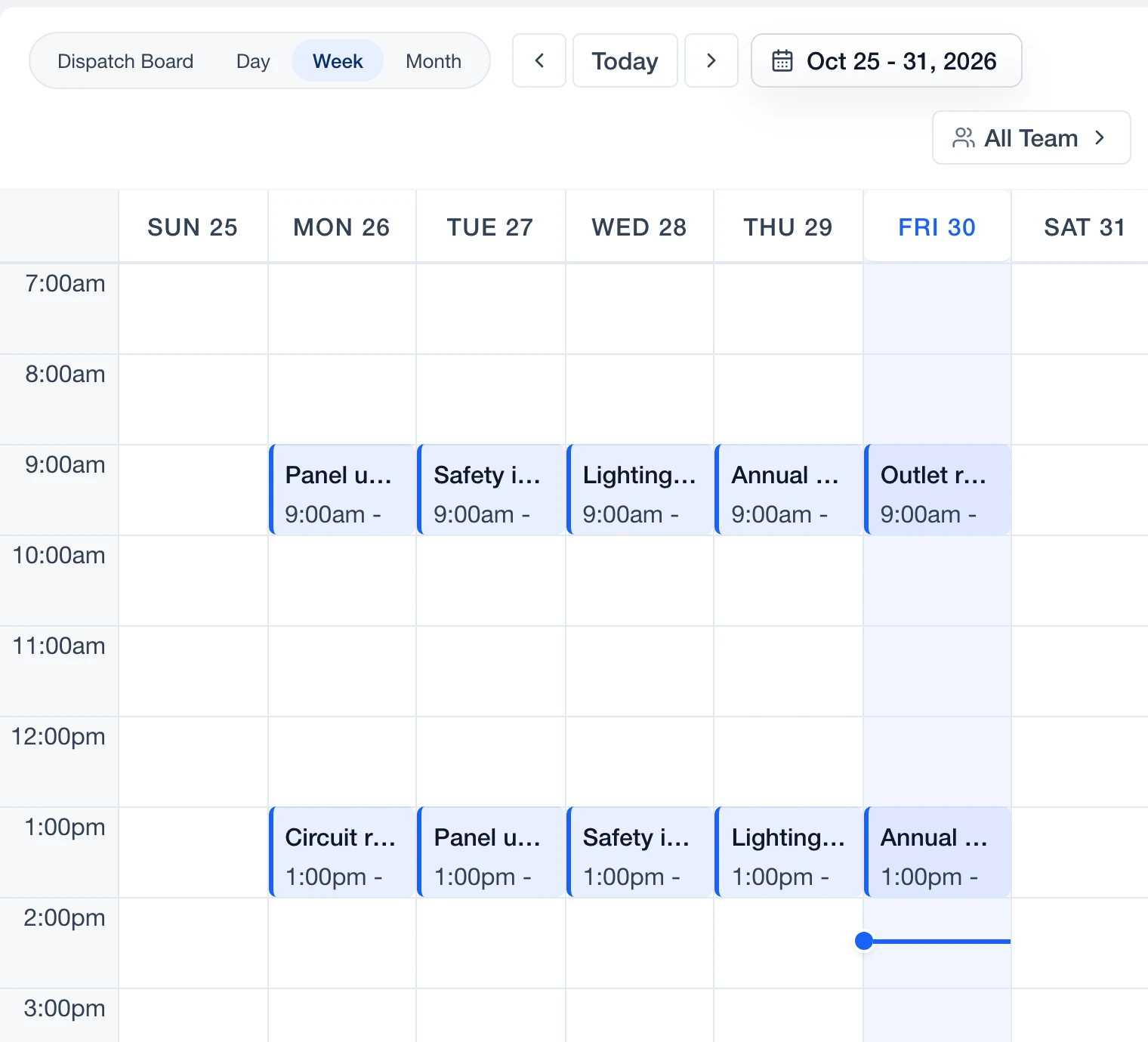
 Schedule
See the appointment in the day's plan.
Explore Schedule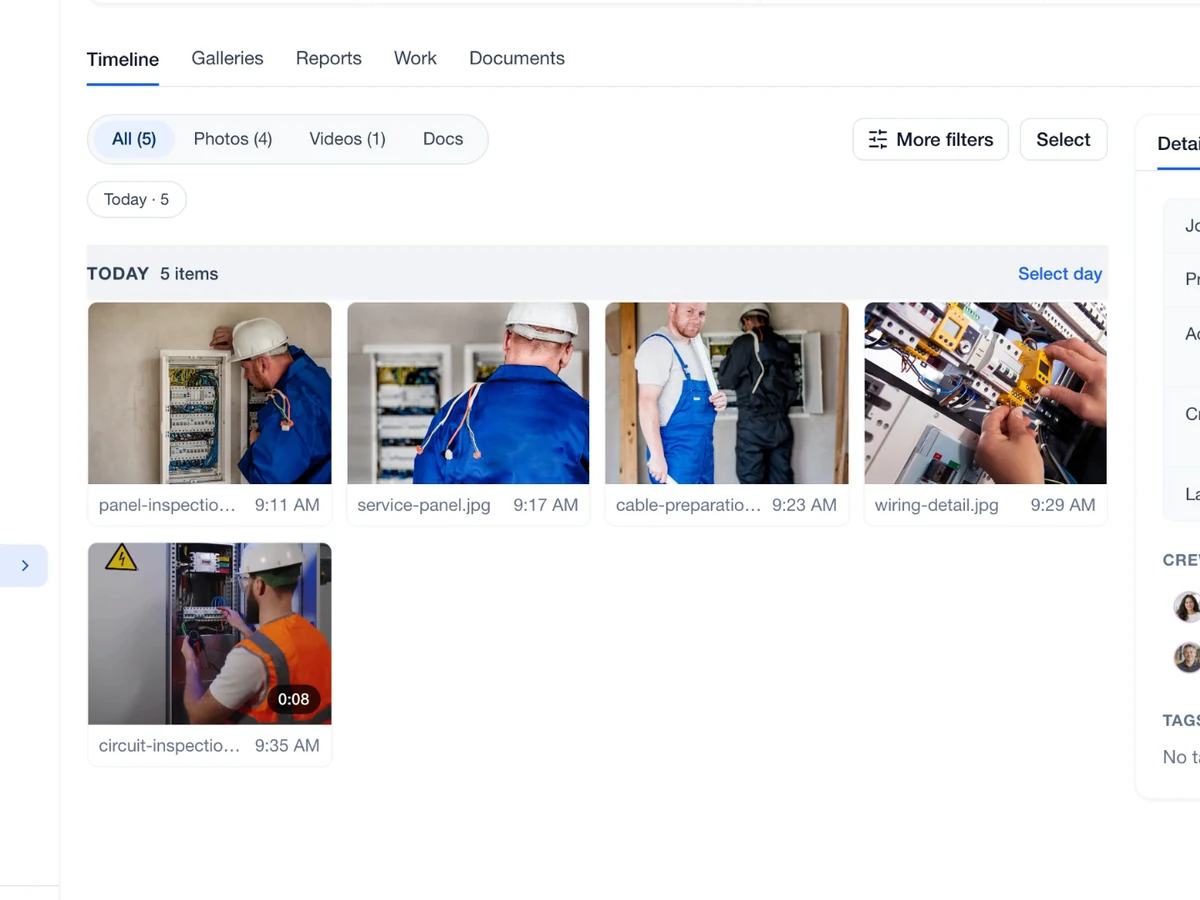
 Capture
Find photos and notes attached to the project.
Explore Capture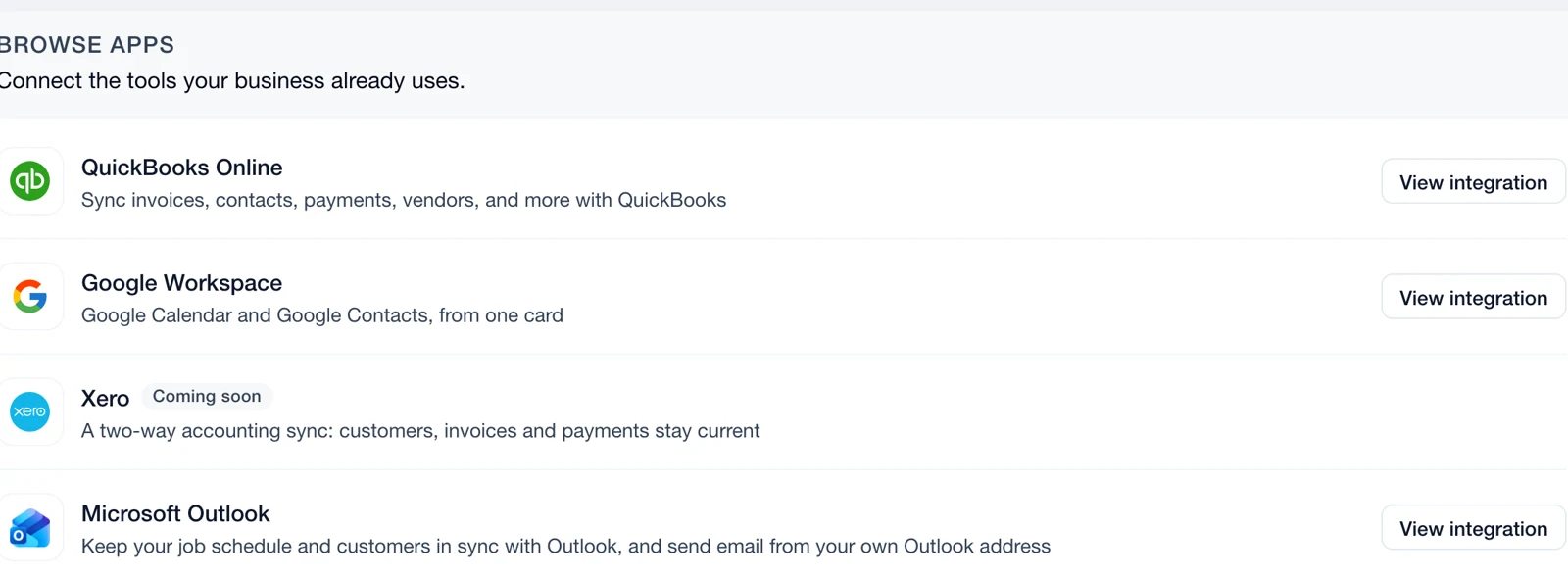
 Connect
Review permissions and connect supported accounts.
Explore ConnectYes. Connect Gmail or Outlook from Email & Inbox settings. Each provider asks you to approve access.
Yes. Assign the conversation to a teammate so ownership is visible.
Yes. Link the thread to a customer, property, quote, job or invoice so the details stay close.
Yes. Open the thread and use the reply composer. The response stays with that conversation.
Yes. Use the inbox assignment filters to find unassigned conversations and give each one an owner.