


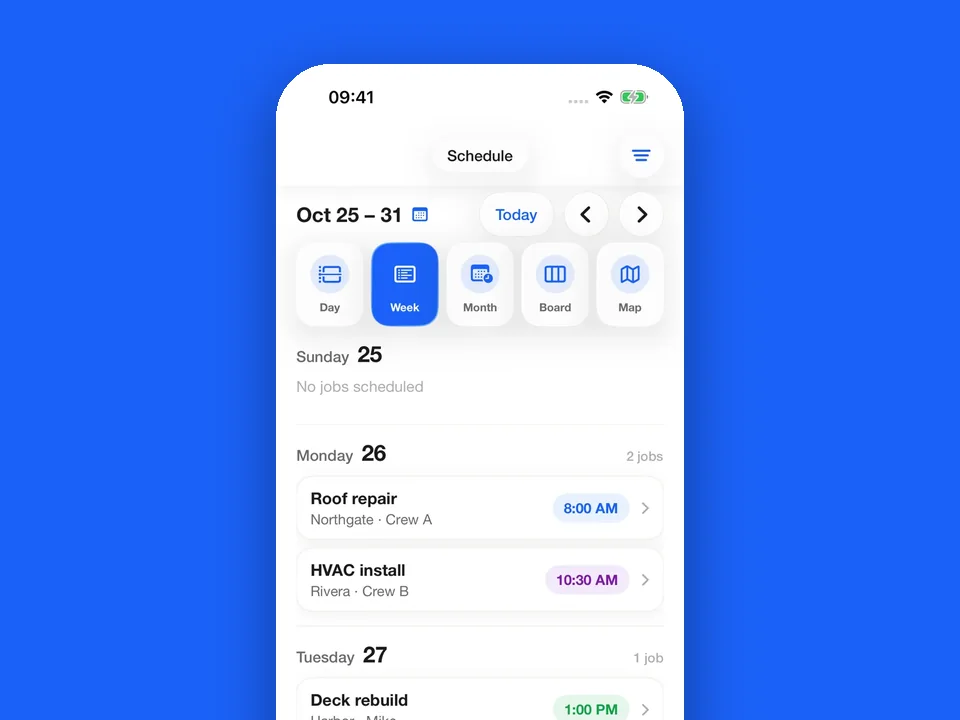
iPhone and iPad
Quotes, schedules, work orders and invoices go where the job goes. New to JobsiteOn? Create your account in the app.
Requires iOS 18 or iPadOS 18 or later.

Get the apps for iPhone and iPad, Mac and Chrome. Each one is free to download and works with your JobsiteOn account.

Scan with your iPhone camera to open the App Store.
Quotes, schedules, work orders and invoices go where the job goes. New to JobsiteOn? Create your account in the app.
Requires iOS 18 or iPadOS 18 or later.
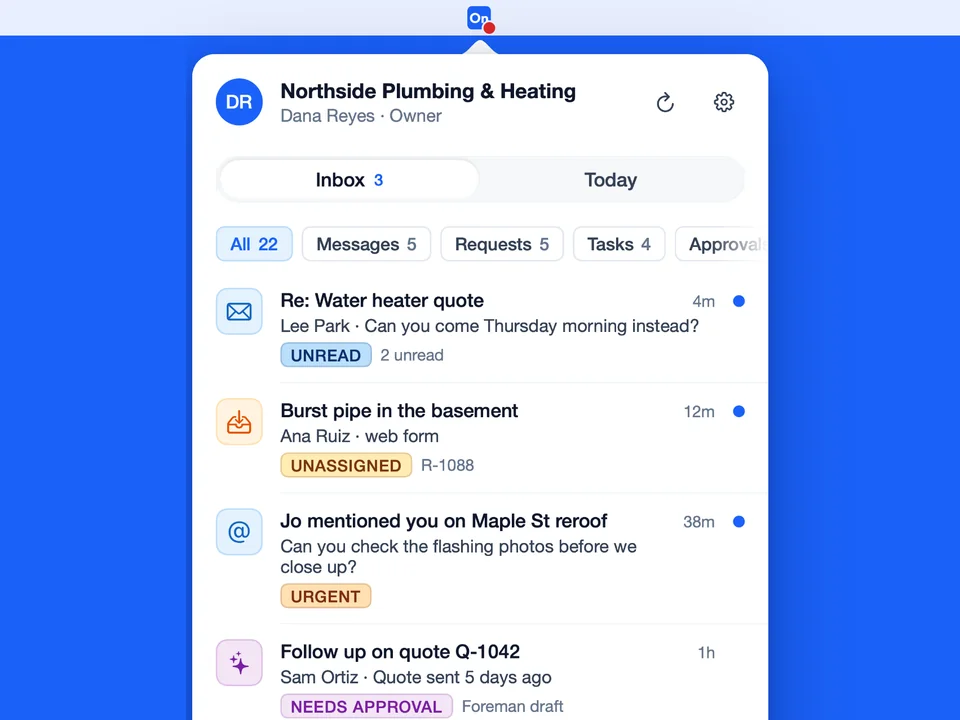
New requests, customer messages and approvals show up in your menu bar the moment they arrive. No browser tab needed.
Requires macOS 14 or later and a JobsiteOn account.

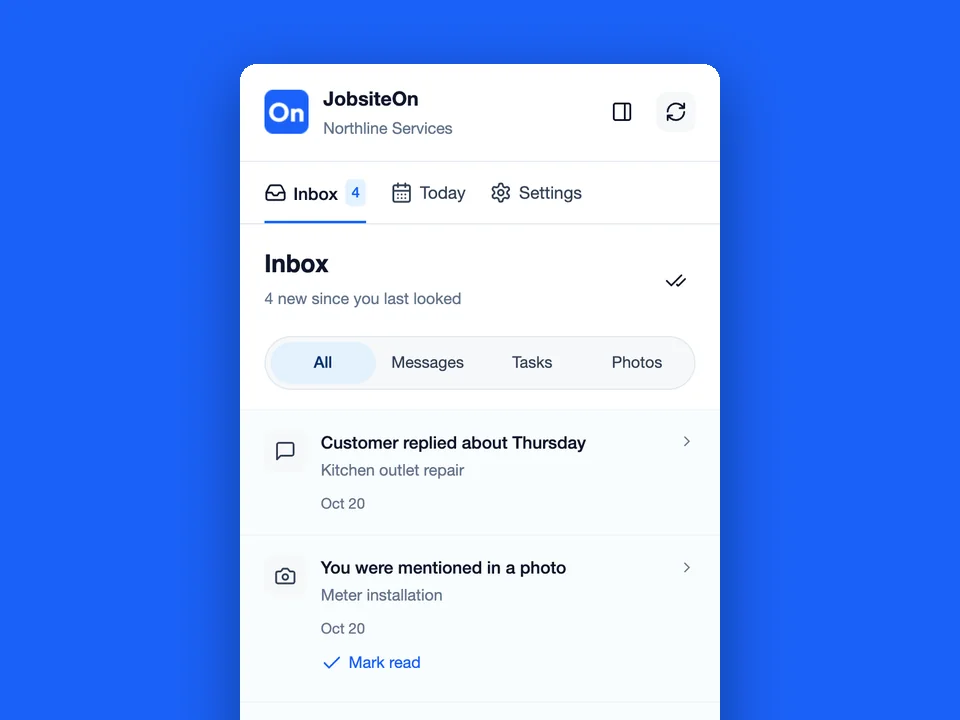
Check customer messages, tasks and today's numbers from the Chrome toolbar, with optional private notifications.
Requires Chrome 120 or later on a computer and a JobsiteOn account.

Actual app screens with example workspace data.
JobsiteOn runs in any modern browser on your computer, phone or tablet. There is nothing to install.
FAQ
Questions about devices, accounts and the browser option.
This page links to the iPhone and iPad app, the Mac menu bar app and the Chrome extension. Their minimum requirements are iOS or iPadOS 18, macOS 14 and Chrome 120 respectively. Check the linked store listing before installing.
They are companion apps for quick access to items such as messages, requests and activity. Use the browser workspace for the full workflow. Your account permissions and plan still apply.
Yes. You can use the browser workspace. The Mac app and Chrome extension require an existing JobsiteOn account; the iPhone and iPad app also lets a new user create an account.