


Photos the whole team can find.
Capture keeps jobsite photos in a dated project timeline, ready to mark up and share.
Explore Capture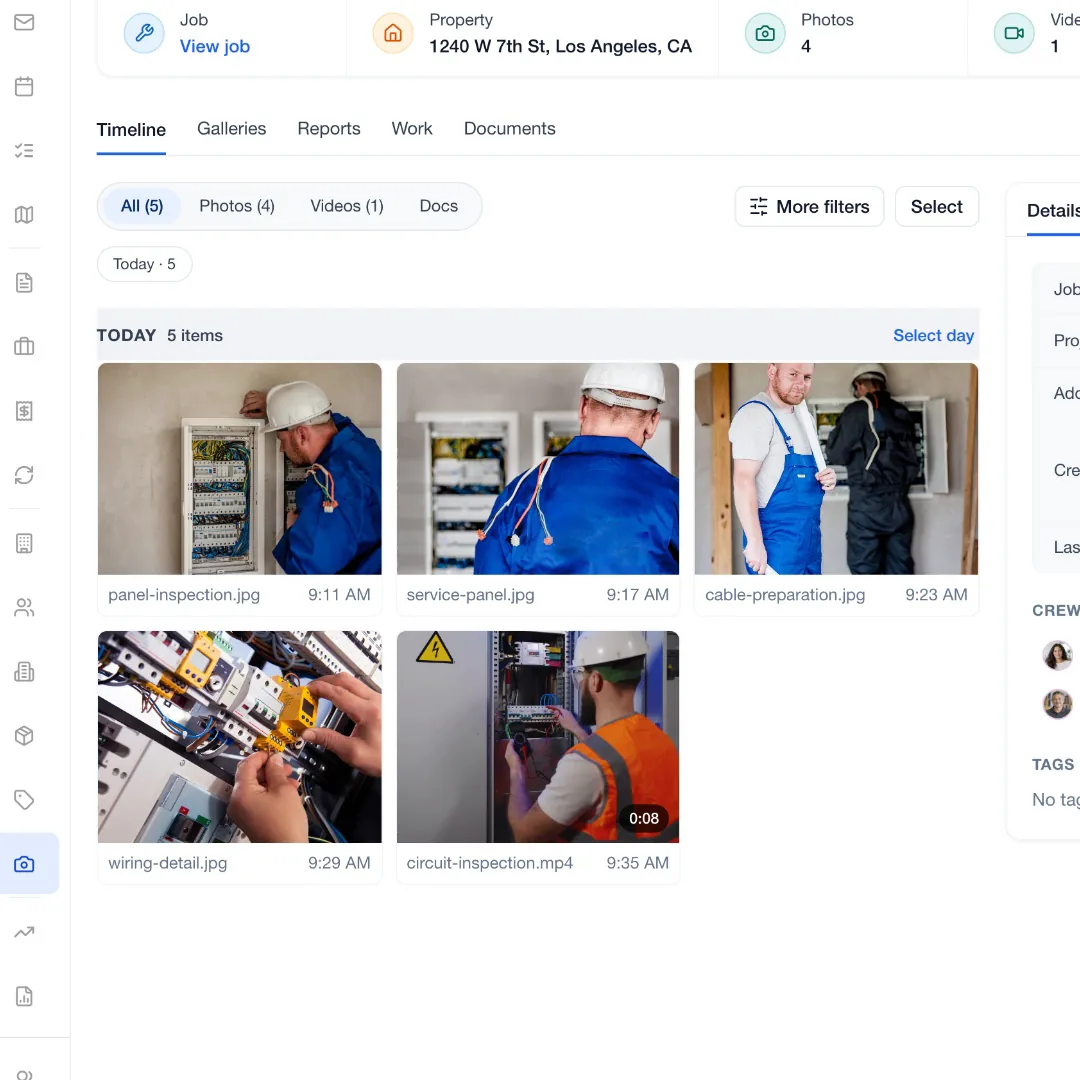
JobsiteOn for teams of 2 to 9
Assign visits, share checklists and see who’s on site.
Free for 14 days. No credit card required.
See how it works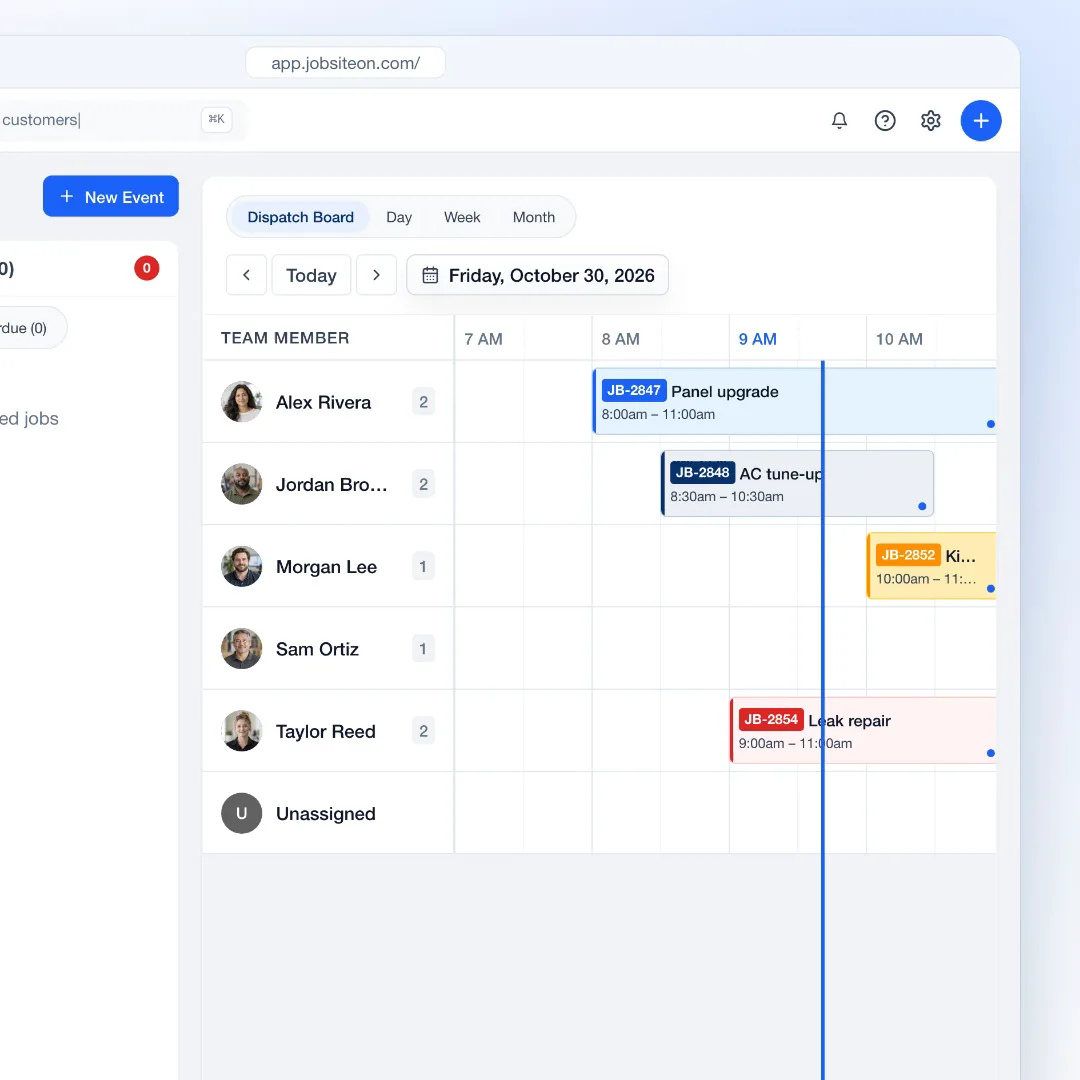
The plan that fits
$99 a month, or $949 a year. Up to 10 users and 100 jobs a month, with Dispatch, Capture and Assets on top of everything in Starter.
Running a crew
One schedule for the whole crew, and one checklist on every job.
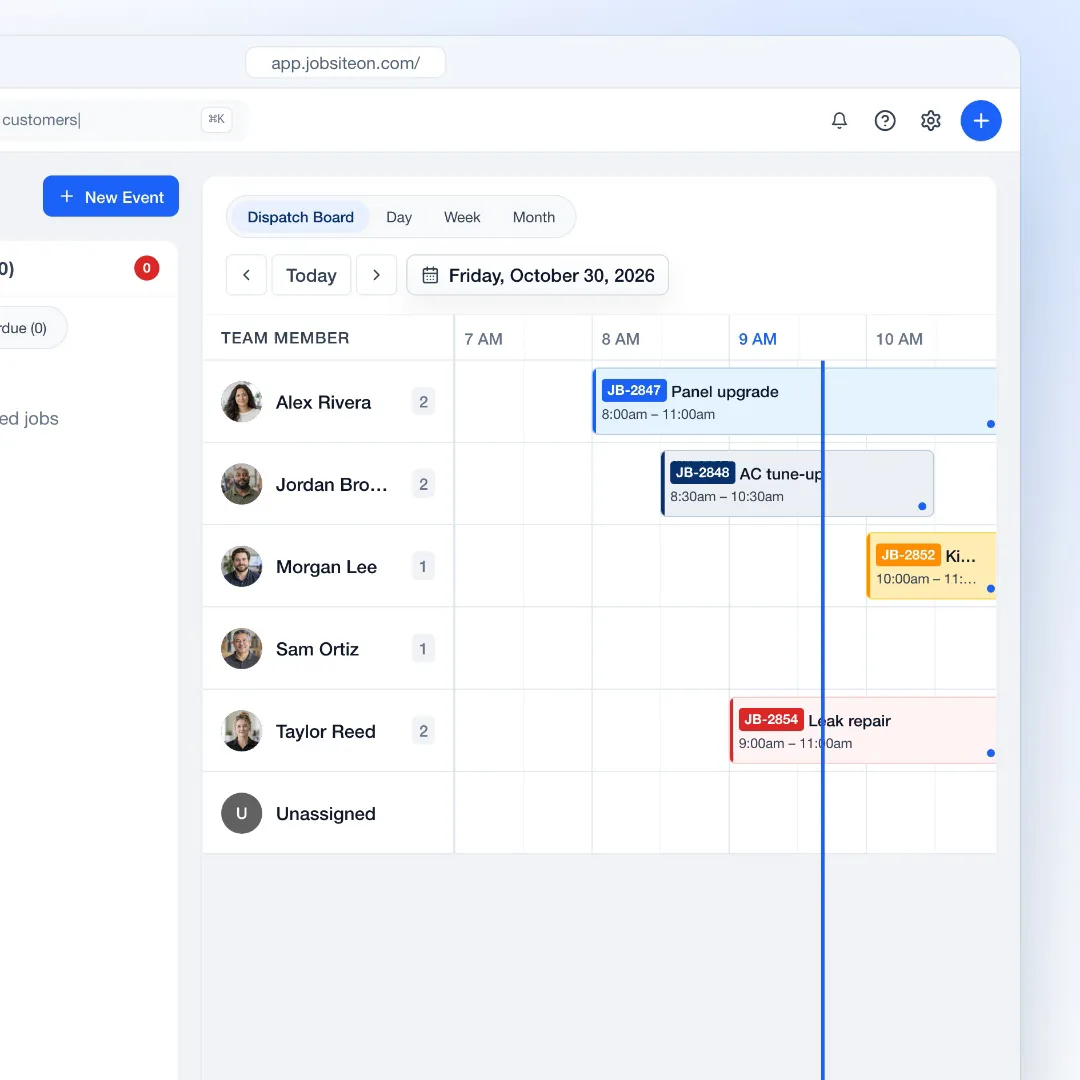
Each team member gets a timeline on the dispatch board.
Explore DispatchCreate the event, set the time and pick who goes, right from the board.
Tasks on the job get checked off in the field and show up done in the office.
Crew members check in by QR code or by hand, and the job shows who is there.

In the truck
Jobs, the schedule, checklists and the Capture camera on iPhone.
Technicians open their jobs, check off tasks and take photos in the app.
Clock in and out against each job.
Owner, admin, manager and technician, each with its own access.
Tag equipment with QR codes and check it in and out on the job.
Shared by the crew
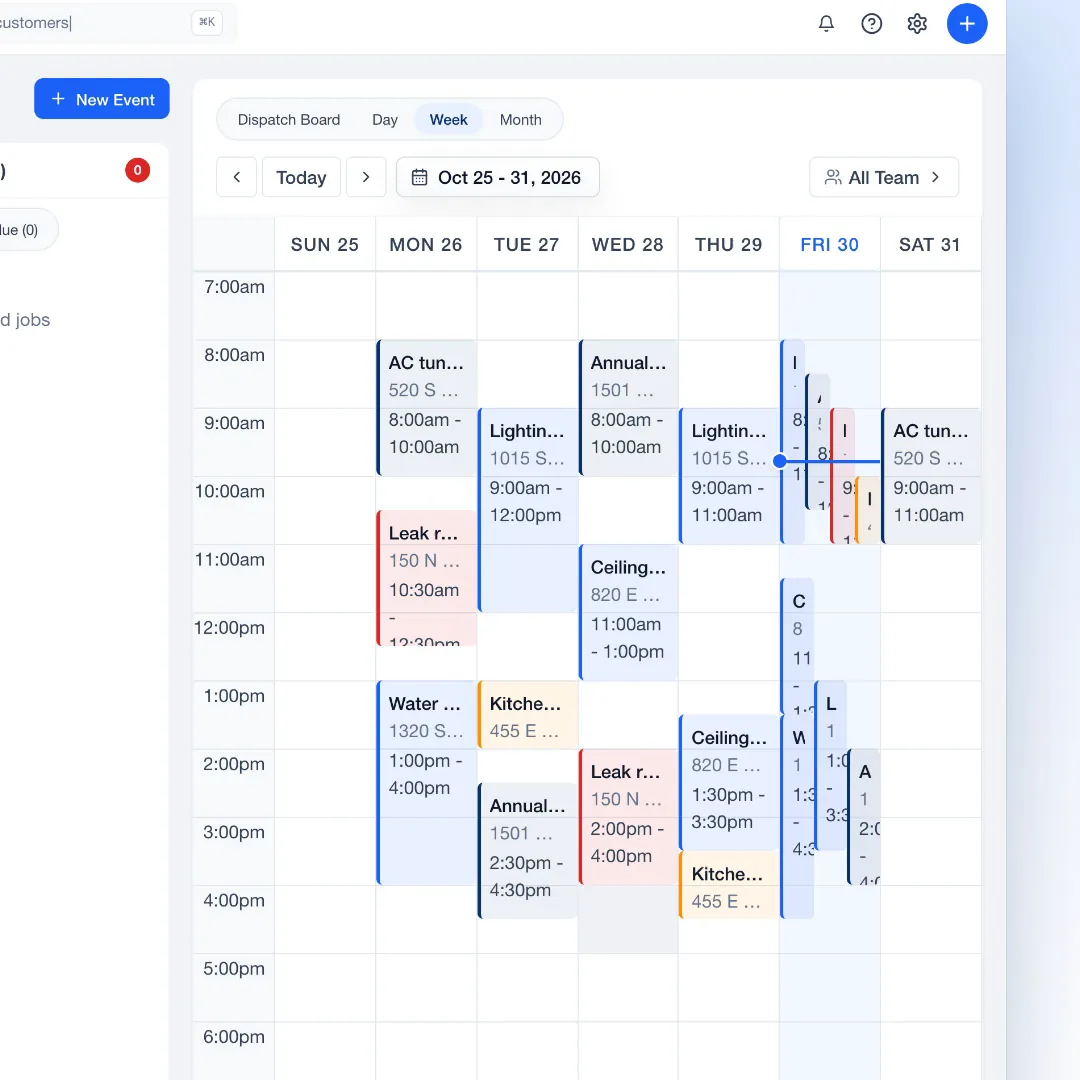
Photos and the week ahead, where everyone can find them.
Capture keeps jobsite photos in a dated project timeline, ready to mark up and share.
Explore CaptureSwitch from the board to Day, Week or Month to see how the work is spread.
14 days free, with no credit card.
Add each person with the role that fits.
Put the visits on the board and assign them.
Up to 10 users and 100 jobs a month, for $99 a month or $949 a year.
Yes. The Technician role sees assigned jobs and the schedule, and can add photos and status updates. Quotes and invoices are read-only for technicians.
Yes. Capture, the photo tool, is included from the Team plan, along with Dispatch and Assets.
Each person signs in with their own account on the iPhone app or the web.
Yes. Move to Business when you pass 10 users or want Insights reports.
Try JobsiteOn free for 14 days.