


Choose for the work ahead.
See how JobsiteOn compares with the tools on your list. Real product views, clear tradeoffs and a practical way to try them.
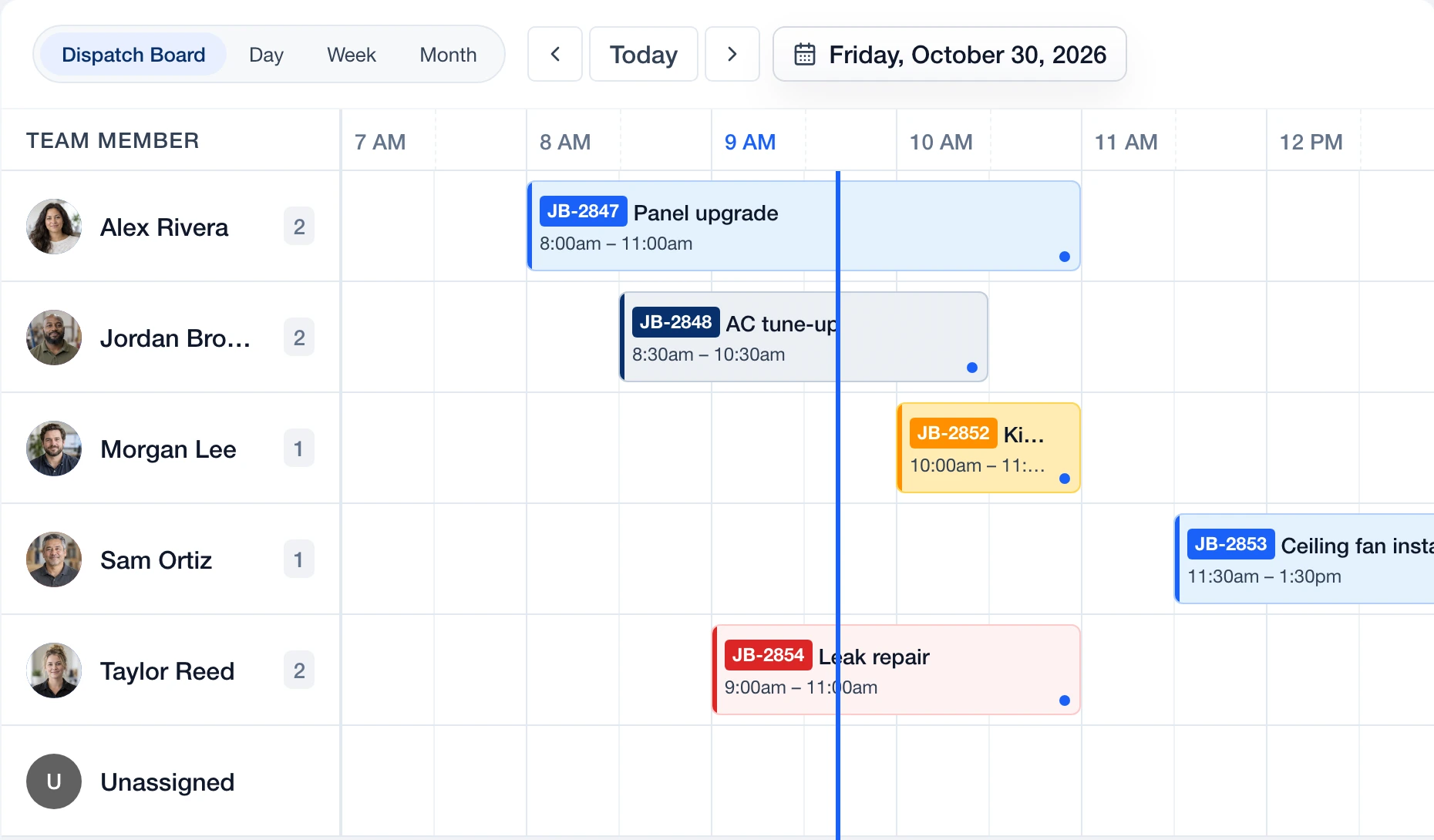
See the fit. Check the details.
Each guide includes vendor-published screenshots, linked sources, plan considerations and a checklist for the work you need to test.
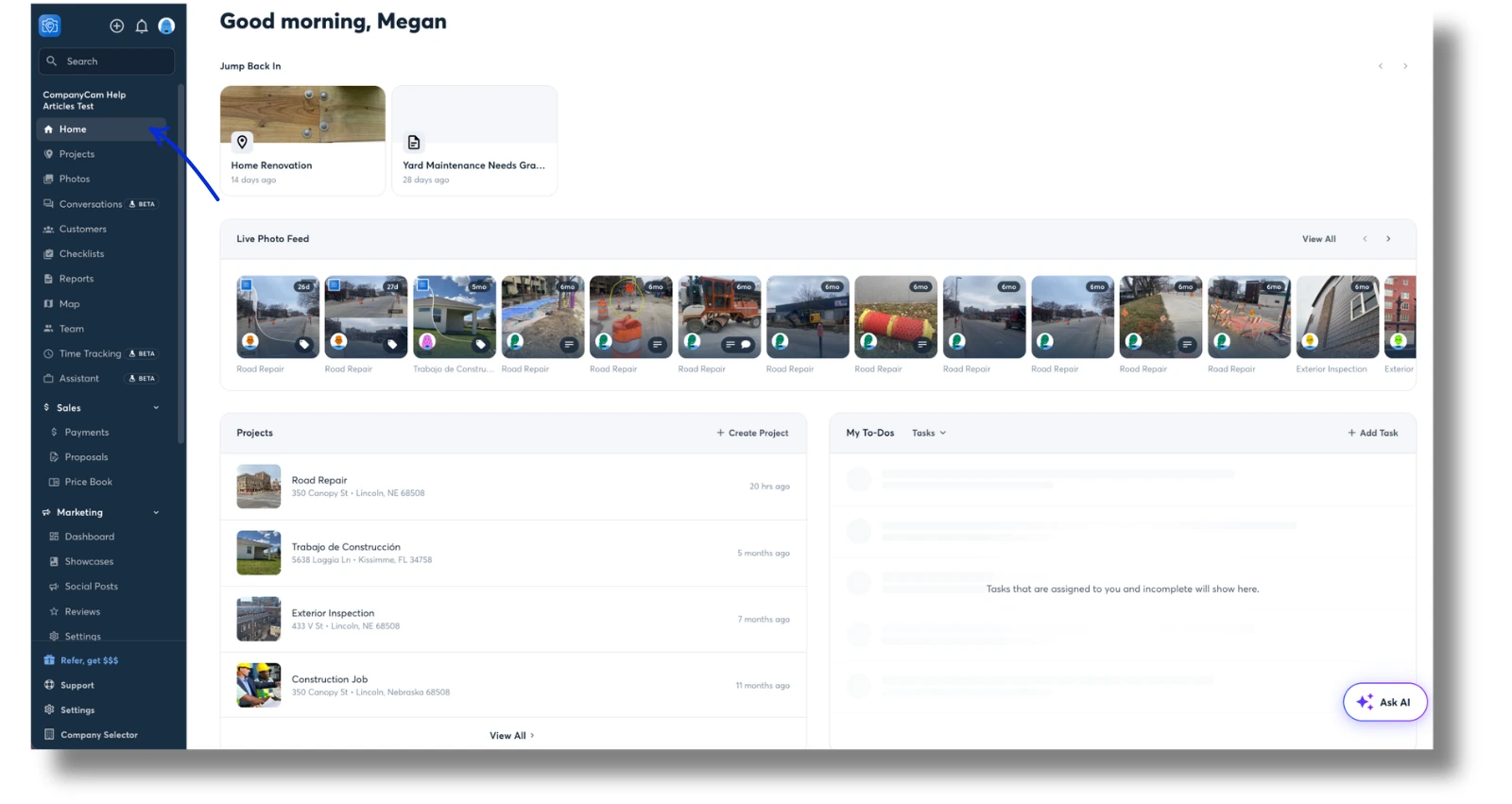
JobsiteOn vs CompanyCam
Compare photo documentation, project context and the steps from a site visit to payment.
See the comparison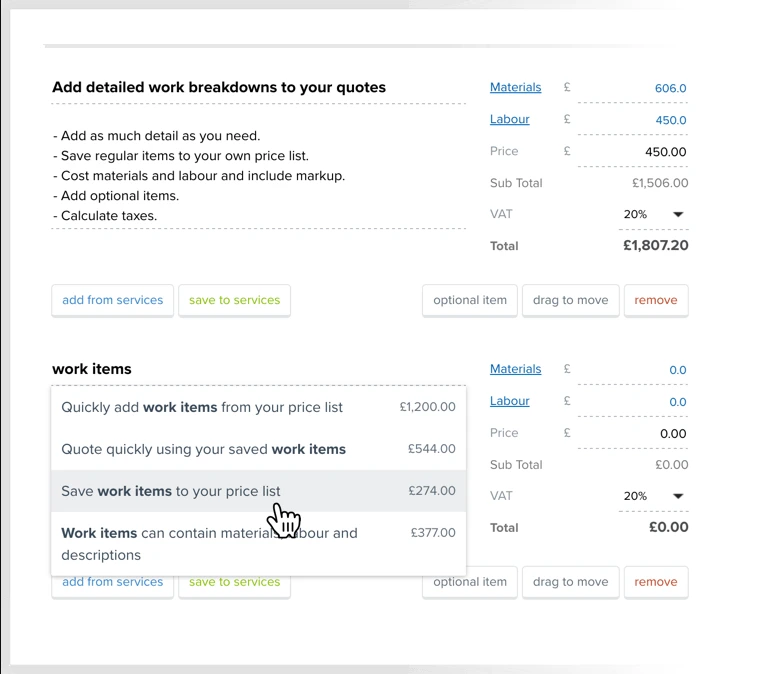
JobsiteOn vs YourTradebase
Follow an estimate through scheduling, field notes and the final invoice.
See the comparison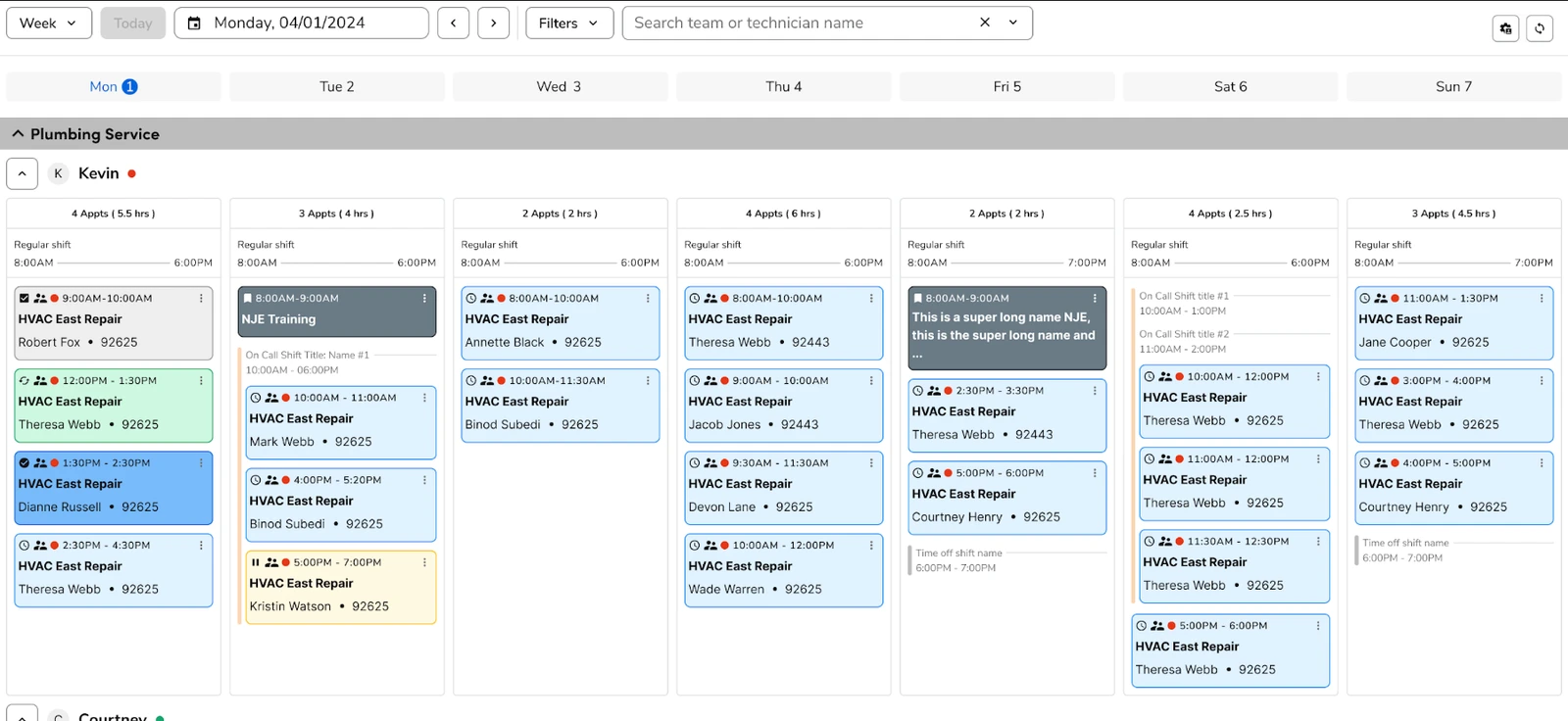
JobsiteOn vs ServiceTitan
Compare crew dispatch, operational depth and the setup your business needs.
See the comparison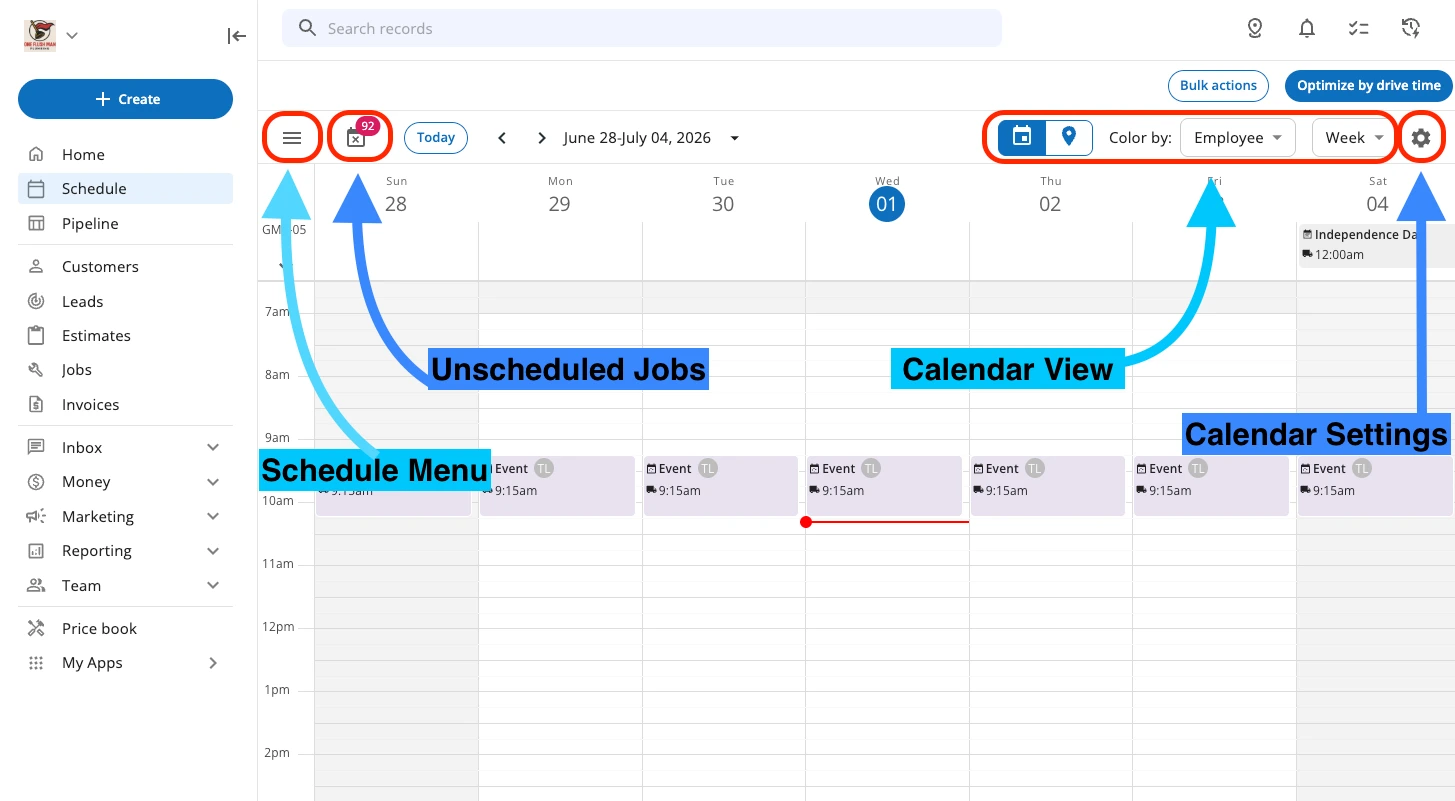
JobsiteOn vs Housecall Pro
Compare daily scheduling, customer updates and the handoff from the field to the office.
See the comparison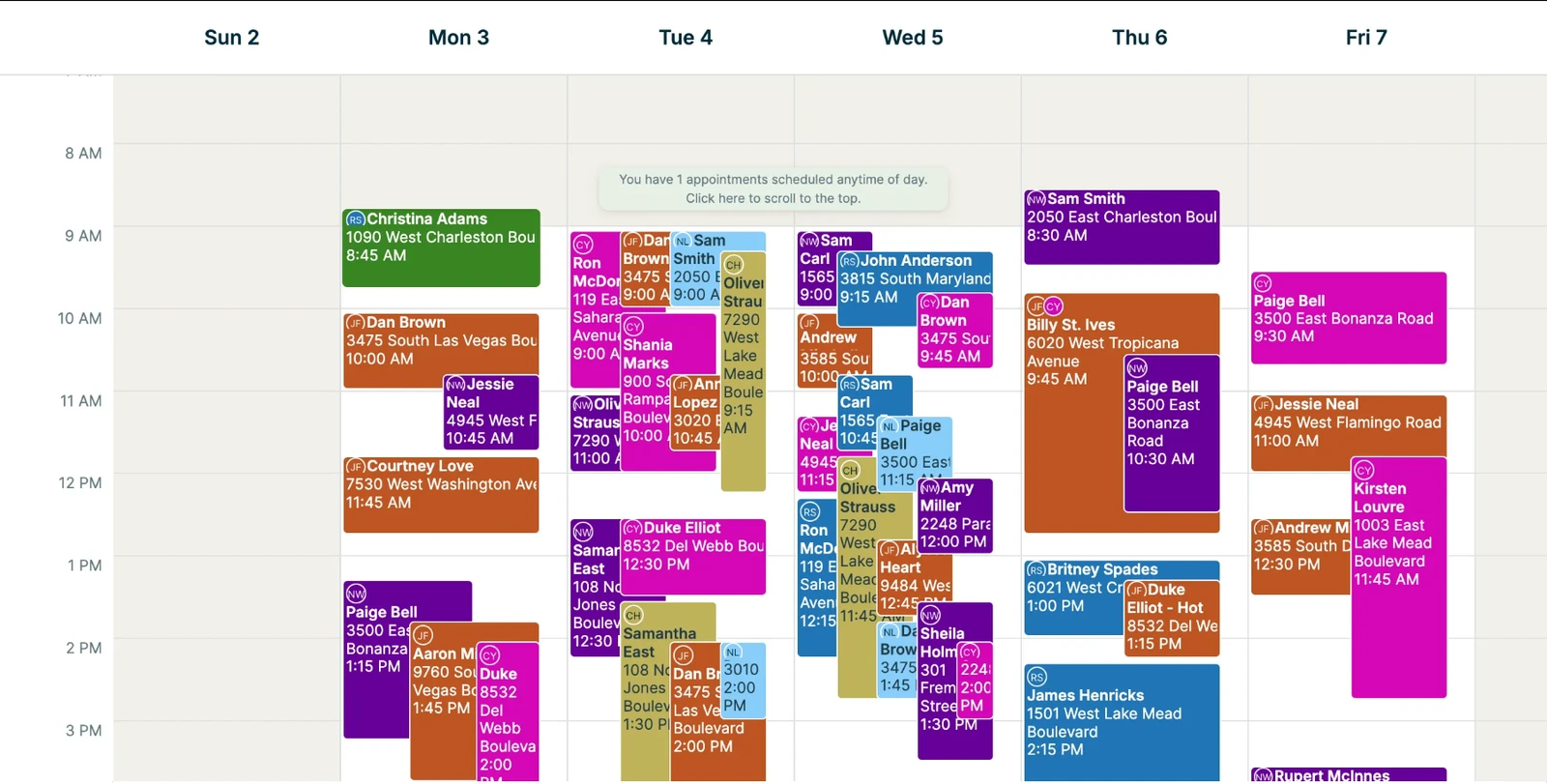
JobsiteOn vs Jobber
Compare connected service workflows, calendar views and the features included in your plan.
See the comparison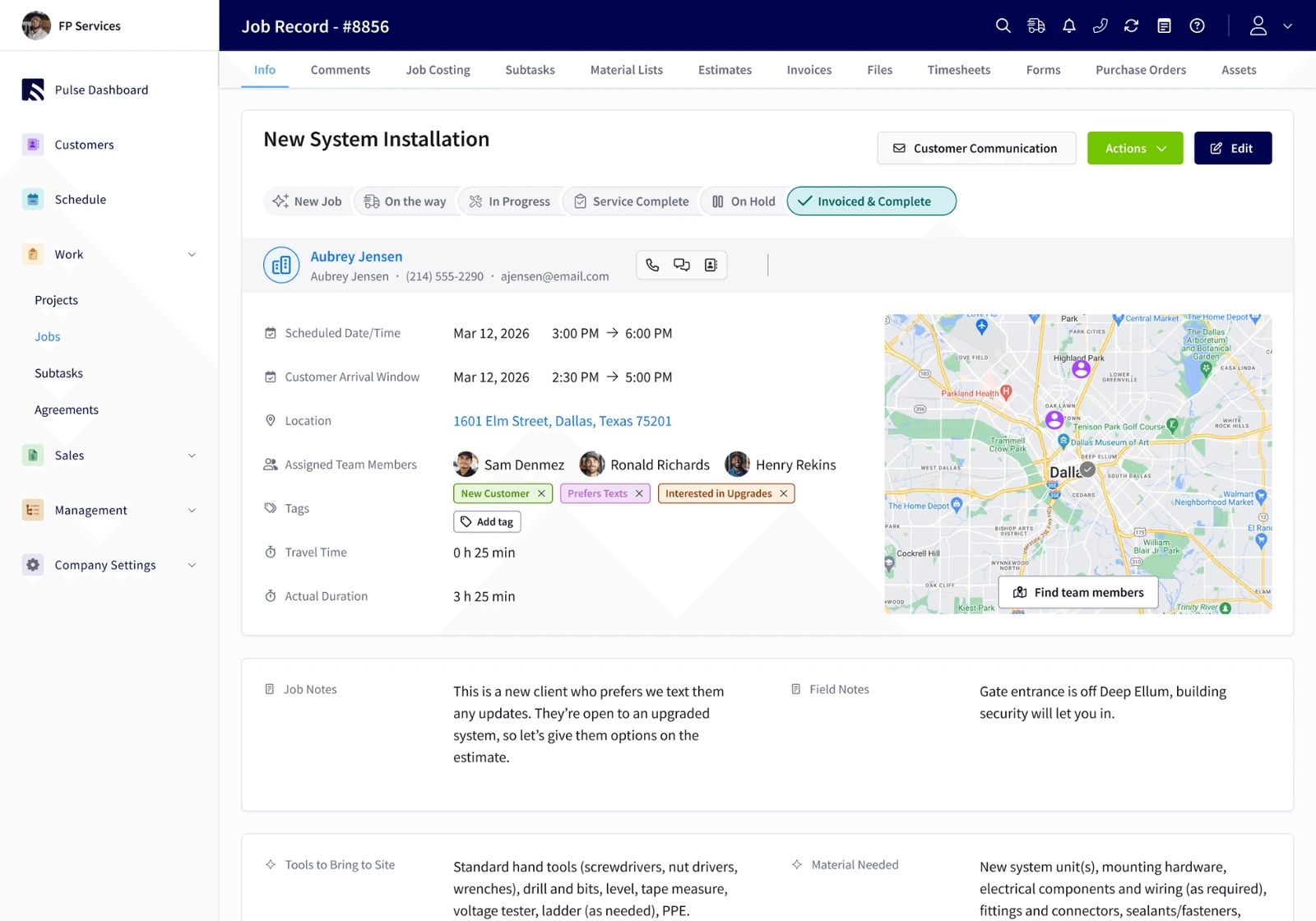
JobsiteOn vs FieldPulse
Compare job records, team scheduling and the extras your operating workflow needs.
See the comparisonReviewed and captured . Preview scope and sample data differ. Open a comparison for the original source, version notes and an enlarged view.
Take one job through both.
A long feature list cannot tell you how the next Tuesday will go. Use the same job, the same people and the same requirements in each product.
Mark the steps you have tried and download your checklist. Keep your must-have integrations and field devices on the list too.
A clear case, with sources.
These guides are written by JobsiteOn using official vendor pages and its own product documentation. They explain where each product may fit. They are not an independent ranking, a customer-results study or a claim that features shown are available on every plan.
Competitor screenshots preserve their published interfaces and annotations. JobsiteOn captures use sample records. Plans, versions and availability can change; each guide links to the current source.
FAQ
Compare with a clear checklist.
Answers about the scope and sources behind these guides.
How should I compare field service software?
Use the same sample job in each product. Check quoting, assigning a visit, field access, photos, invoicing and the integrations you rely on. Include the plan, add-ons and devices needed for those steps in your cost comparison.
Who writes these comparisons?
JobsiteOn writes them using its own product documentation and official competitor sources. Each guide links to those sources and includes a review date. These are vendor-authored buying guides, not independent rankings.
Are the competitor screenshots real?
Yes. The guides use vendor-published interfaces with visible source credits and capture dates. JobsiteOn screens use sample records. Versions, plans and screen scope differ, so confirm current availability with each vendor.
Put JobsiteOn to work.
Bring a real quote, a real visit and the people doing the work. See how it fits your day.