


Equipment and vehicles
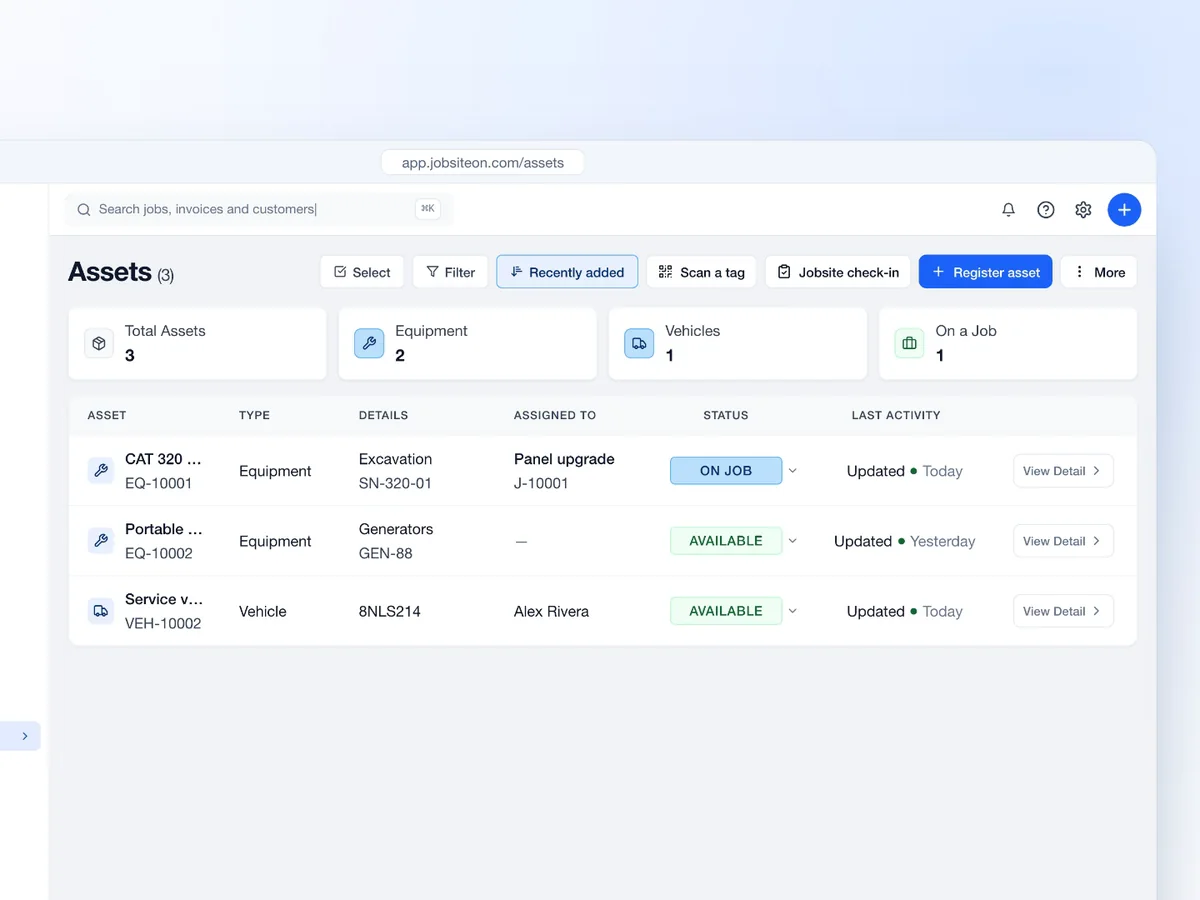
A shared list for tools and fleet records.
Track tools, assignments, service records and check-ins.
Free for 14 days. No credit card required.
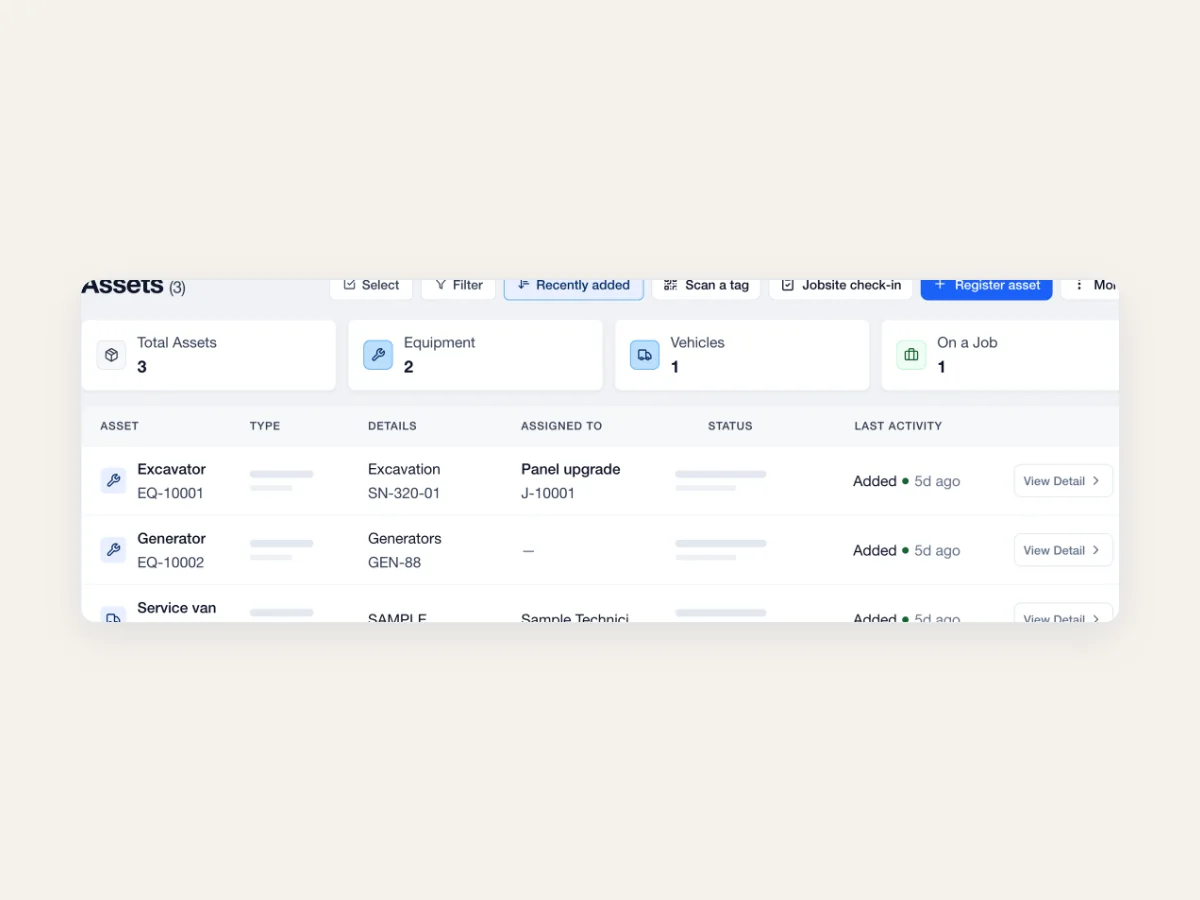
See the identifiers, work and service details behind each piece of equipment.
Keep the assigned job and current status on the equipment record.
Store serial numbers, warranty information and service dates.
Review job assignments and recent check-ins from the asset record.
Give equipment its own record and QR tag. Keep vehicles in the same Assets list, with the details that fit each type.
Find equipment and vehicles in the same list. Open the record when you need the details.
Give equipment a record your crew can find.
Add the equipment details.
Use its scannable QR tag.
Link it to the job.
Keep the jobsite record current.

The right tool starts with a record you can find.
A shared list for tools and fleet records.
Open the equipment record from its QR tag.
Keep assets connected to the work.
Find maintenance details when you need them.
Swipe or scroll to explore. When this row is focused, use the left and right arrow keys. Home and End move to the first and last items.

Keep an equipment asset's assignment and service notes with the record.

Give the crew a way to find the equipment record when the tool is in front of them.
Swipe or scroll to explore. When this row is focused, use the left and right arrow keys. Home and End move to the first and last items.
 Service
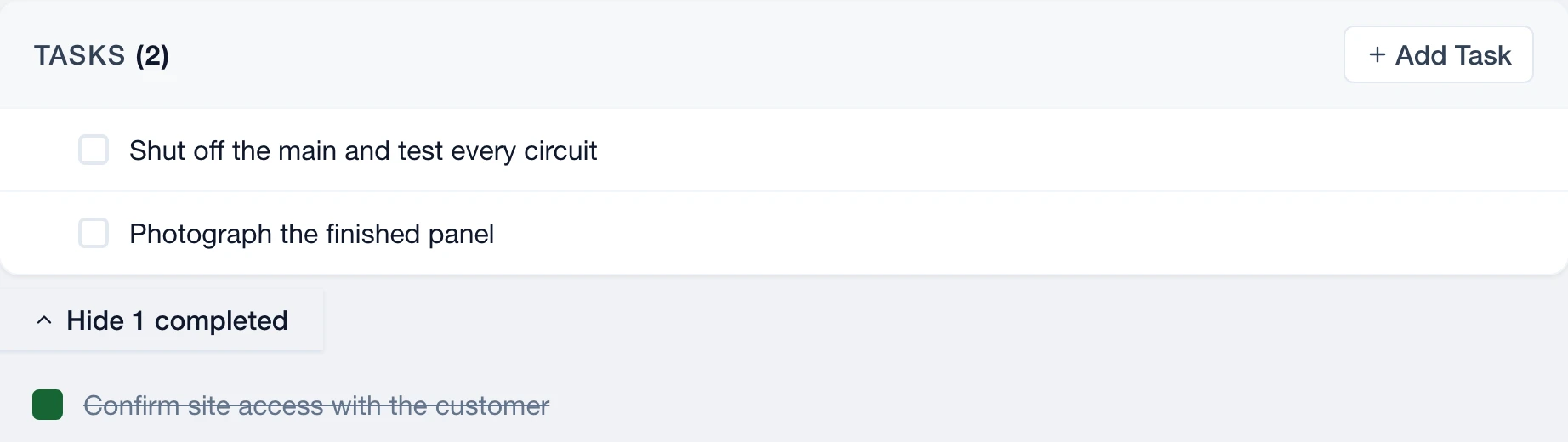
Keep equipment with the scope and crew.
Explore Service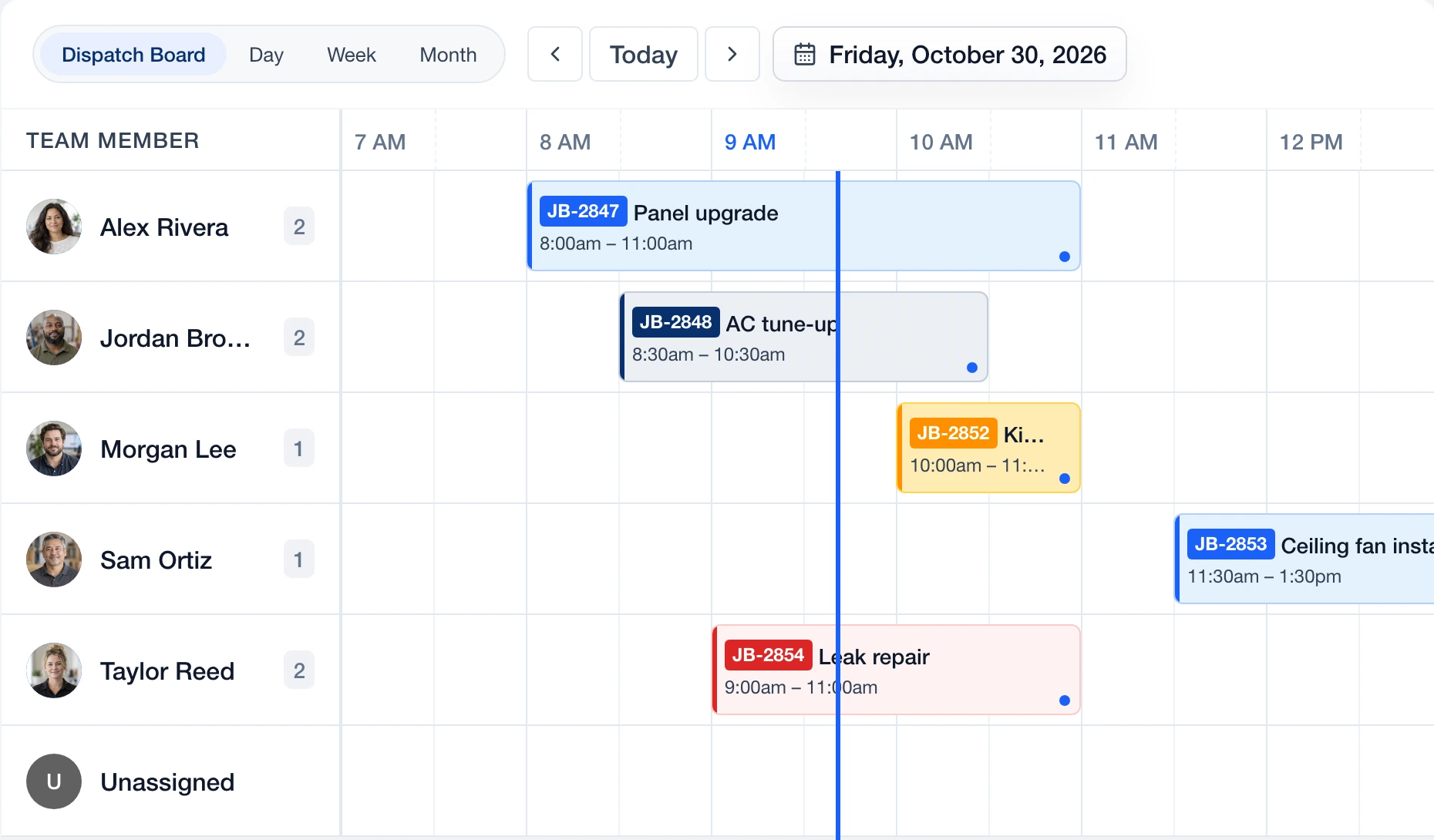
 Dispatch
See who's doing the work on the board.
Explore Dispatch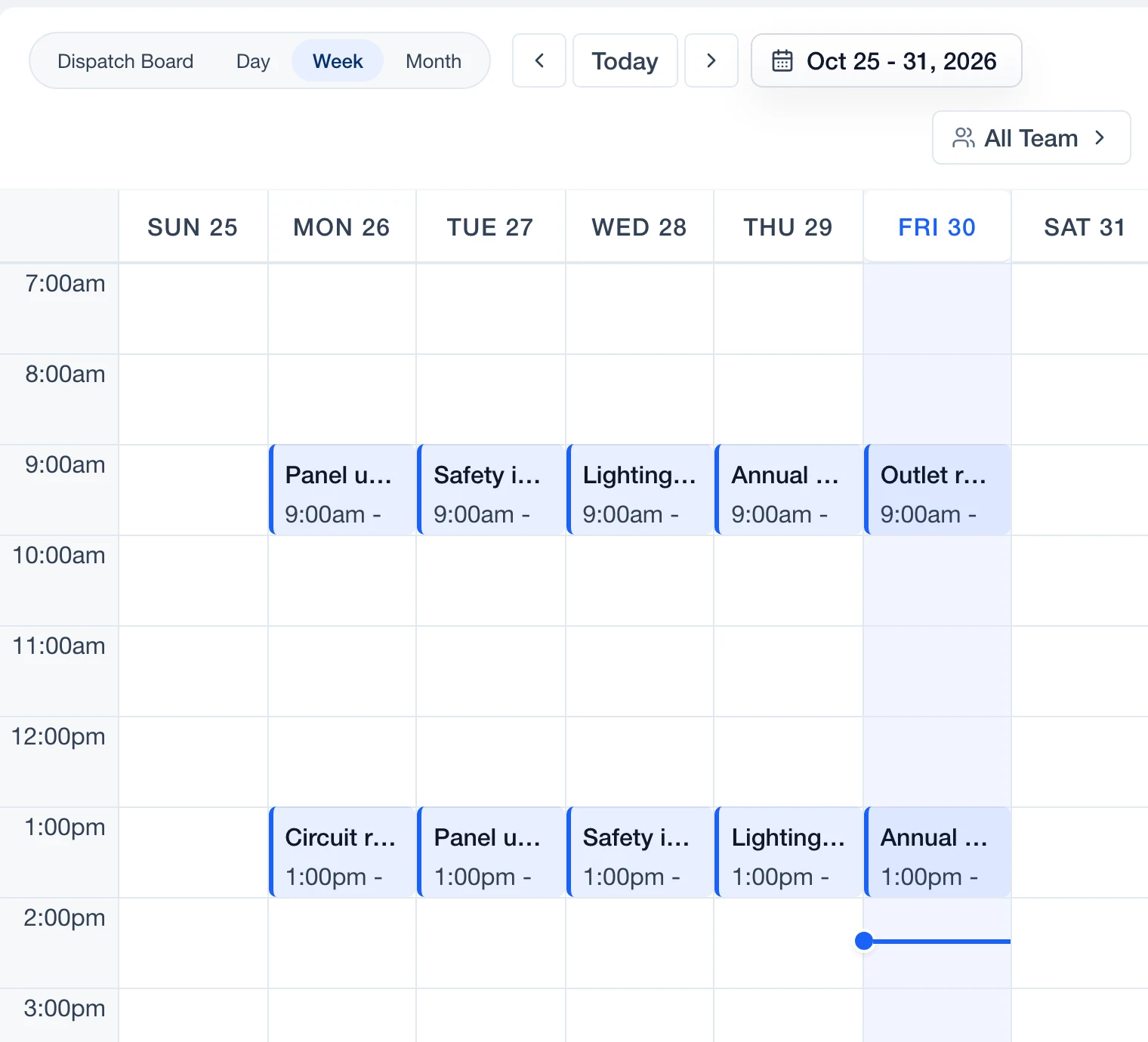
 Schedule
Keep scheduled work visible on the calendar.
Explore Schedule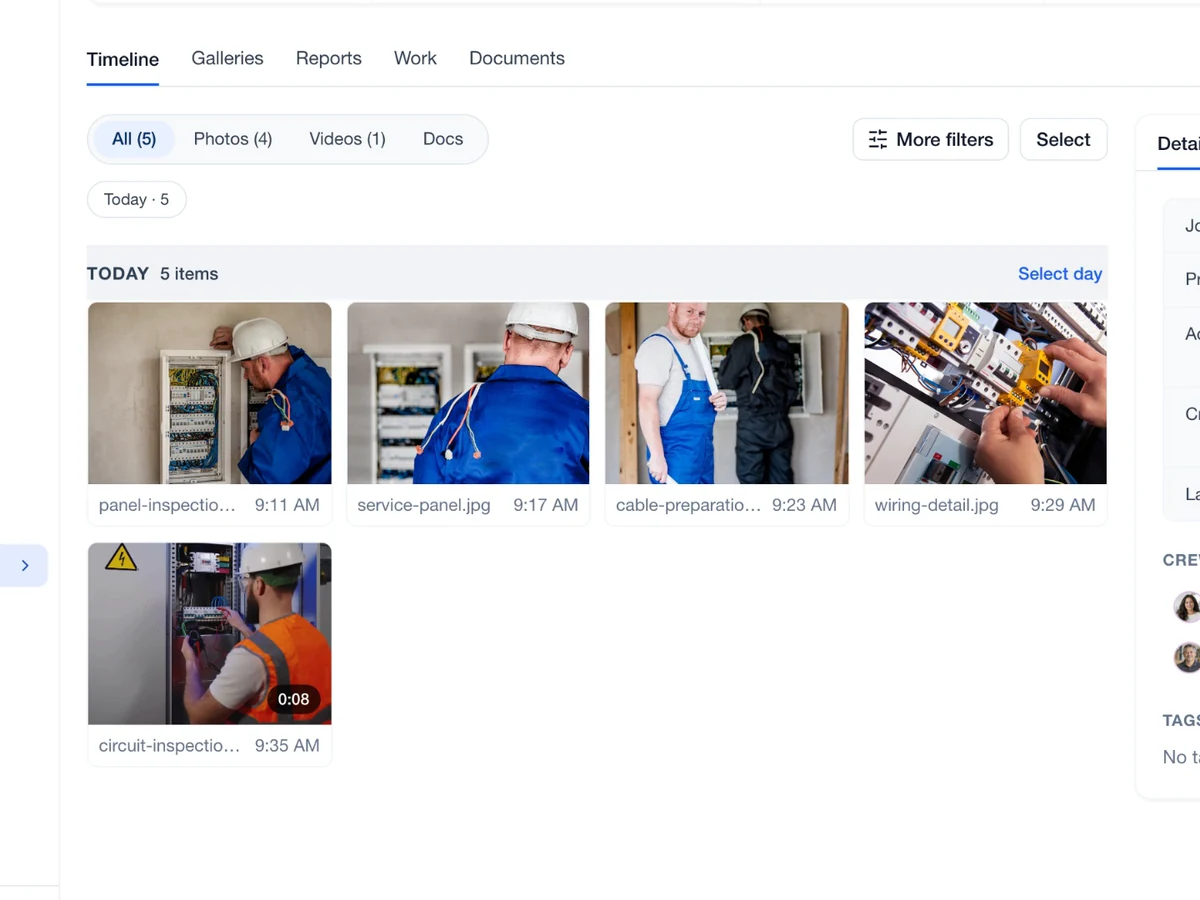
 Capture
Keep relevant photos and context with the project.
Explore Capture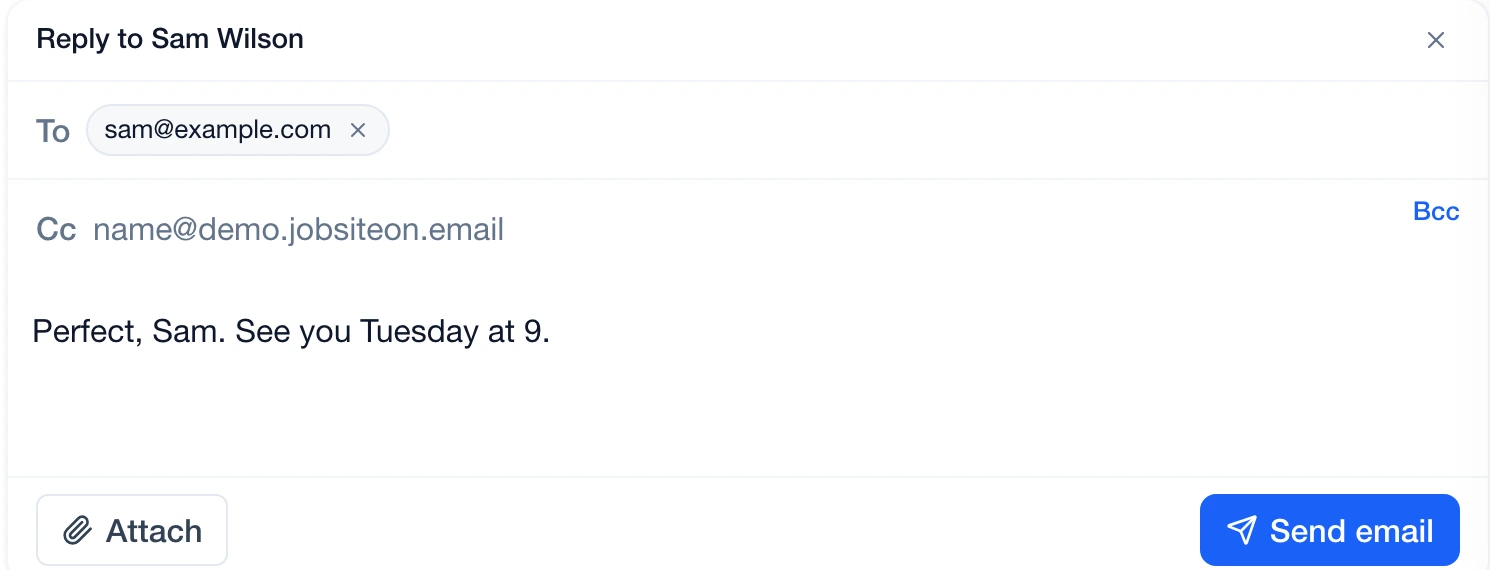
 Communications
Find conversations linked to the job.
Explore CommunicationsYes. JobsiteOn provisions a scannable QR tag when you register equipment.
Yes. Crew members can scan and check assets in. Owners, admins and managers can register new assets.
Yes. Vehicles appear in the Assets list with their own records, including plate and VIN details.
Equipment records include a generated QR tag and details such as category and serial number. Vehicle records include fields such as license plate and VIN. Both appear in Assets.
Owners, admins and managers can register assets. Crew members can scan equipment and follow the check-in workflow.
Yes. Keep internal service notes and review the asset's assignment and check-in history from its record.