


Plumbing / Quotes & billing
Keep the plumbing quote and final invoice in step
A plumbing estimate-to-invoice checklist with scope examples, change documentation and a final review that catches missing or unapproved work.
The quick answer
How do you keep a plumbing invoice aligned with the estimate?
Keep the approved quote, actual work and documented changes together. Before sending the invoice, compare each billable item with the agreed scope and completion notes. Check quantities, customer-supplied fixtures, approved extras, deposits and the billing contact. Resolve differences before the customer receives the bill.
- Describe exactly what a quote includes and leaves out.
- Record changed work while the details are fresh.
- Review invoice items even when customer details carry over.
The workflow at a glance
One scope, four checkpoints
- 01
Quote
Work, quantities and exclusions
Estimator - 02
Confirm
Accepted scope and selected options
Customer + office - 03
Record
Work completed and approved changes
Field team - 04
Reconcile
Invoice items against the job record
Office
Write scope the next person can use
A quote should tell the technician and the office what the customer is buying. 'Replace faucet' leaves questions about supply, disposal, access and finish. Put the fixture, location and agreed work in the description. Record assumptions that still need checking before the visit.
For customer-supplied fixtures, record who is supplying the item and whether it is on site. If opening a wall, replacing a valve or repairing a finish is outside the agreed work, state that clearly instead of assuming everyone understands.
| Vague scope | More useful scope |
|---|---|
| Replace faucet | Install one customer-supplied kitchen faucet at the main sink. |
| Materials included | List the fittings and supply lines included in the quoted work. |
| Extra work if needed | Record the approval process for work outside the listed scope before it starts. |
- Replace faucet
- Install one customer-supplied kitchen faucet at the main sink.
- Materials included
- List the fittings and supply lines included in the quoted work.
- Extra work if needed
- Record the approval process for work outside the listed scope before it starts.
Check the handoff before the visit
The crew needs the accepted version of the quote, the service address and the customer's choices. A saved draft or a verbal summary can leave out an option that was added later. Confirm which version governs the job and keep it easy to open.
Add access instructions, the contact who can answer questions on site and any parts that must arrive first. These operational details belong with the job even when they are not customer-facing quote lines.
- Check the service address separately from the billing address.
- Record the selected fixture or option, not every alternative offered.
- Flag open questions before booking work that depends on the answer.
Record changes before they become billing questions
If the field team finds work outside the agreed scope, write down the finding, the proposed change, its cost and the customer's decision. Keep the approval with the job. A photo can explain the finding, but it does not replace a record of what the customer agreed to buy.
Record declined work too. It helps the office understand why an item appears in a technician's notes but should not appear on the invoice. Keep completed work, proposed work and work waiting for approval visibly distinct.
Compare the invoice with what was agreed and done
Review the invoice line by line against the accepted quote and completion notes. Check quantities, approved extras, removed work and any payment already recorded. Confirm the recipient, due date and totals before sending it. An internal review is cheaper than asking the customer to interpret conflicting records.
Here is a simple example, excluding tax: the accepted work is $480, an approved change adds $60 and a recorded deposit is $100. The invoice total is $540 and the remaining balance is $440. The invoice should explain the extra $60 and show the deposit once. These are sample amounts, not suggested plumbing prices.
| Review item | What to verify |
|---|---|
| Original work | Matches the accepted scope and actual completed quantity. |
| Additional work | Has a clear description and a linked approval. |
| Removed work | Is not billed as though it was completed. |
| Deposit or prior payment | Is applied once and reconciles with the balance. |
- Original work
- Matches the accepted scope and actual completed quantity.
- Additional work
- Has a clear description and a linked approval.
- Removed work
- Is not billed as though it was completed.
- Deposit or prior payment
- Is applied once and reconciles with the balance.
Use the linked records without skipping review
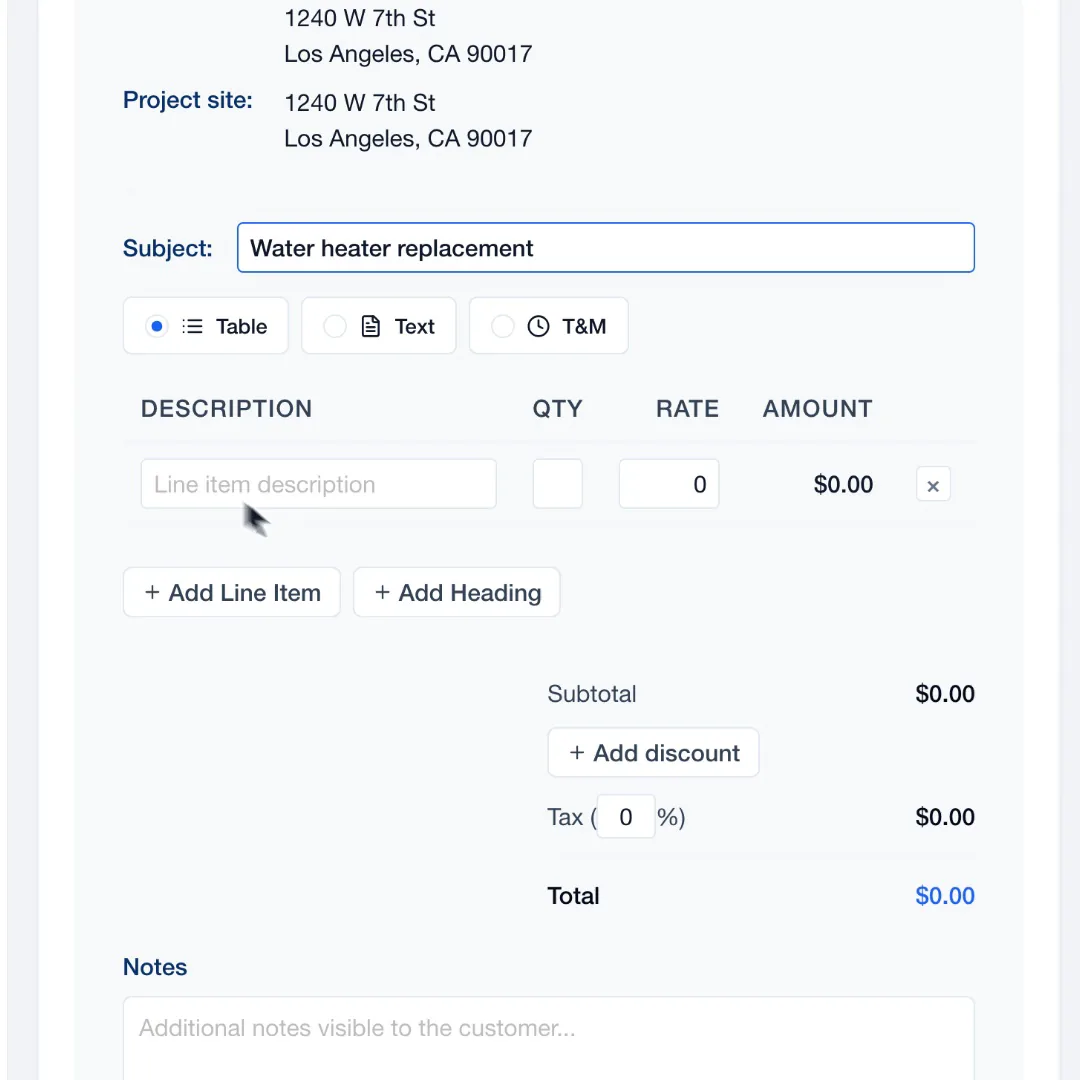
JobsiteOn quotes let you add pricebook or custom items and send the proposal to the customer. Keep the job, property and customer correct before sending. The quote guide below explains the current workflow.
When you create an invoice from a job, JobsiteOn pre-fills the contact, property and job reference. The billable line items still need to be added and reviewed. Do not assume that every item from the original quote has been copied into the invoice. Compare the draft with the agreed scope before sending.
Take it to the next job
Plumbing quote-to-invoice checklist
- Identify the accepted quote and selected options.
- Confirm the service property and billing contact.
- Check fixture supply, quantities, inclusions and exclusions.
- Record additional or declined work and the customer's decision.
- Compare completed work with each invoice line.
- Check deposits, prior payments, tax settings and totals.
- Review the invoice preview and recipient before sending.
See it in JobsiteOn
Sales, connected to the job.
Keep the customer's quote and the job record connected, with line items the office can review before sending.
Common questions
Should a plumbing invoice match the estimate exactly?
It should reflect the agreed work, completed quantities and documented changes. If the final amount differs, explain the difference with the relevant approval, removed work or payment record before sending.
What if the customer supplies the fixture?
Record that in the quote and job notes. Identify the item, confirm it is available and describe the installation work included so the office does not bill for supplying it.
Does JobsiteOn copy every job item to the invoice?
Creating an invoice from a job pre-fills the contact, property and job reference. You still add and review the billable line items against the agreed scope and work performed.
Sources and editorial notes
Published by JobsiteOn. This guide combines practical workflow suggestions with the product instructions below. Examples and amounts are illustrative. Product details were checked on .
- Create and Send Quotes
Product reference for customer and property links, quote items, optional work and sending.
- Create an Invoice from a Job
Explains which fields carry over and why invoice line items still need review.
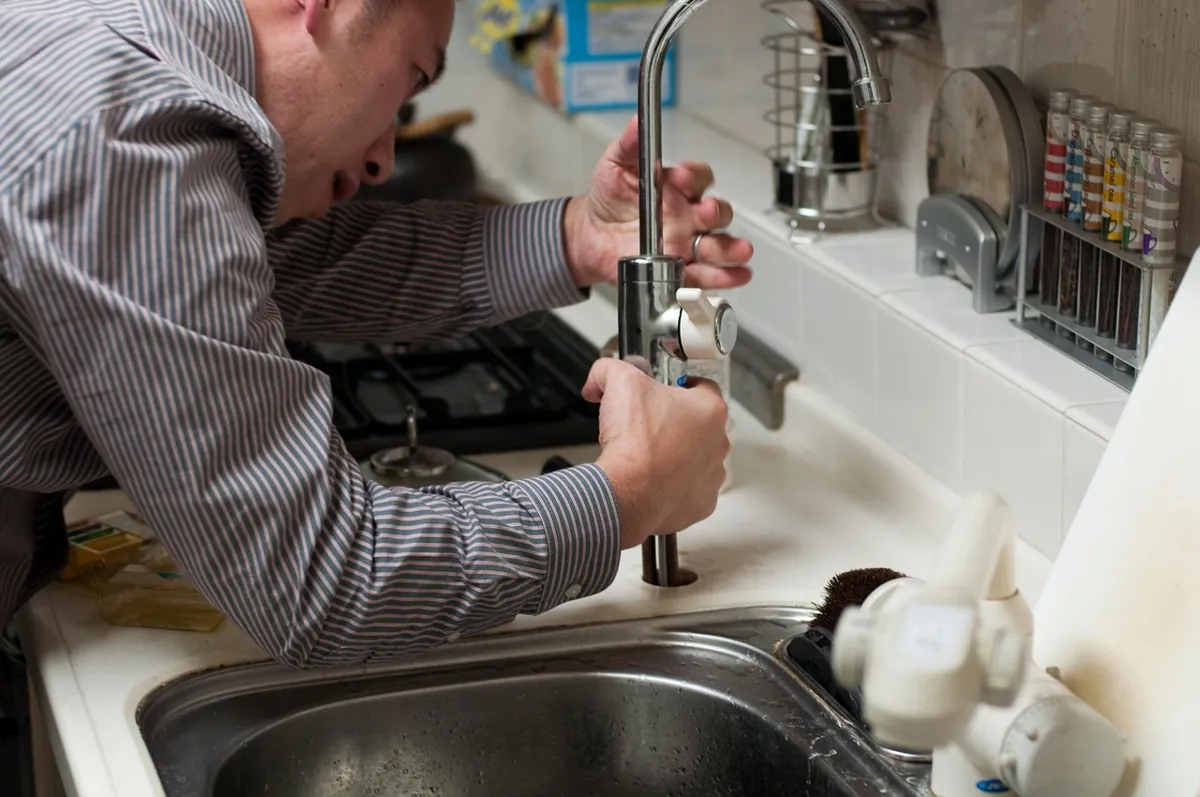
The cover photo is by fran1, used under the Pixabay Content License. Photos depict stock scenes. Screenshots show the real app with sample records, not customer results.
Suggest a correctionKeep the work moving.
All guides
Electrical closeout notes the office can act on
Use this electrical job closeout checklist to hand over completion notes, photos, open work, customer decisions and billing details without another call.
Read the guide
Job photos that explain the work
Build a useful job photo record with location context, detail shots, honest before-and-after pairs, upload checks and a customer-sharing checklist.
Read the guidePut the workflow to work
Your next job, in one place.
Keep the quote, schedule and work record connected.